TL;DR
Attorneys bill only 37 of 49 hours worked each week, and nearly half that lost time goes to repetitive admin tasks. Law firm automation software can reclaim those hours, but picking the right tool depends on whether you need to fill existing forms (government PDFs, court filings) or create new documents from templates. This guide compares 8 tools with honest pricing, real user feedback, and clear “best for” verdicts so you can choose without the usual marketing fog.
At-a-Glance Comparison
| Tool | Starting Price | Best For | AI-Powered | E-Sign | Free Plan | Handles Existing PDFs |
|---|---|---|---|---|---|---|
| Filly AI | $0/mo (free tier) | Solo/small firm PDF autofill | ✅ OCR + field extraction | ✅ No-login links | ✅ | ✅ Core strength |
| Clio | $49/user/mo | All-in-one practice mgmt | ✅ (add-on) | ✅ (via Draft) | ❌ (7-day trial) | Partial (templates) |
| Gavel | $99/mo | No-code doc assembly | ✅ (Exec add-on) | ✅ (via DocuSign) | ❌ (trial) | Partial (templates) |
| Smokeball | ~$139/user/mo | Practice-area form libraries | ✅ (Archie AI) | ✅ | ❌ (demo only) | ✅ 20k+ forms |
| MyCase | $39/user/mo | Budget small-firm all-in-one | ✅ (8am IQ, Pro+) | ✅ | ❌ (10-day trial) | Limited |
| PandaDoc | $0/mo (free tier) | Docs + e-sign + CRM | Limited | ✅ | ✅ | ❌ Template-first |
| Knackly | $250/mo | Complex conditional logic | ❌ | ❌ (integrations) | ❌ | ❌ Template-first |
| HotDocs | Contact sales | Enterprise assembly | ❌ | ❌ | ❌ | ❌ Template-first |
How We Evaluated
Each tool was assessed on pricing transparency, AI capabilities, ease of initial setup, real user feedback from G2 and community forums, ability to handle existing third-party PDFs, and e-signature workflow. Priority went to honest tradeoffs over feature-list padding.
Document Filling vs. Document Creation: Know Your Actual Problem
Most law firm automation software roundups treat all document tools as interchangeable. They aren’t.
Document creation means drafting contracts, engagement letters, or demand letters from internal templates you build yourself. Tools like Gavel, Knackly, and HotDocs excel here. You invest upfront in template logic, and the payoff comes from generating polished originals at scale.
Document filling means inserting client data into forms you didn’t create: USCIS immigration forms, W-9s, court filings, state-specific PDFs. The layout is fixed. You just need the right data in the right fields, fast and without errors.
According to the ABA’s 2023 Legal Technology Survey, 47% of a lawyer’s time goes to non-billable work, much of it spent manually formatting documents and re-keying client data. If you’re filling the same client information into government forms or court PDFs, you need an AI autofill tool. If you’re creating custom contracts from scratch, you need a template engine. Some firms need both.
Filly AI’s form template library covers common documents like NDAs and service agreements, while its core strength is autofilling existing third-party PDFs. That distinction matters when you’re choosing where to spend your budget.
The 8 Best Law Firm Automation Software Tools
1. Filly AI
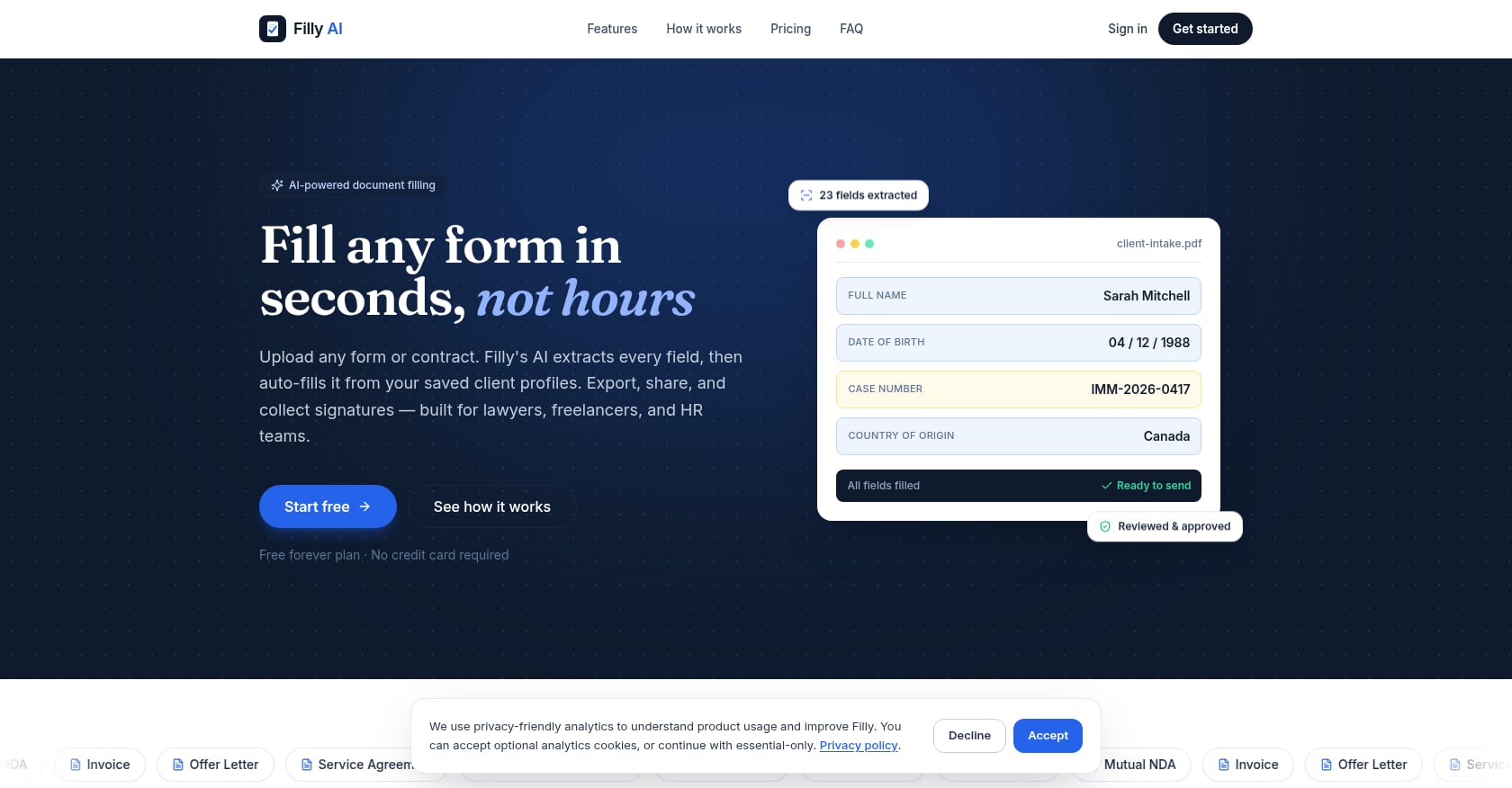
Best for: AI-powered PDF/DOCX autofill from reusable client profiles
Pricing:
- Free: $0/mo (10 forms, 5 clients, 10 fills/mo)
- Solo: $19/mo (20 forms, unlimited clients, 100 fills/mo)
- Pro: $39/mo (unlimited everything, batch up to 20, white-label links)
- Enterprise: $79/mo (up to 5 team seats, custom domain)
No credit card required for the free plan. 14-day goodwill refund on first paid payment.
See the full pricing breakdown →
Key features:
- AI field extraction that works on native and scanned PDFs via OCR, so even flat government forms get auto-mapped
- Reusable client profiles with completeness scores showing what data is missing before you start filling
- Color-coded confidence scoring on every autofilled field, letting you focus review time on low-confidence entries
- Batch fill for up to 20 clients at once from a single form
- No-login share and e-sign links that eliminate the friction of making clients create accounts
- Pixel-perfect PDF export that overlays onto the original form layout
- 25 built-in templates on every plan, including the free one — mutual NDAs, offer letters, and invoices (generating a new template with AI is the Pro feature)
- GDPR-aligned deletion controls, encryption in transit and at rest, row-level data isolation
Honest limitations:
- E-signature and audit trail functionality is simpler than enterprise suites like DocuSign
- Limited native third-party integrations (no CRM or ATS connectors currently highlighted)
- Newer product with limited public case studies
- AI extraction relies on Anthropic as a sub-processor, which means document content is sent to a third party (with clear data processing policies in place)
What makes it different: Most law firm automation software requires you to build templates before generating anything. Filly’s approach starts from the other direction. Upload any existing PDF or DOCX, and the AI extracts and maps fields automatically. Immigration attorneys can auto-fill USCIS Form G-28 from saved client data in seconds. Batch generation for up to 20 clients at a sub-$40 price point is uncommon in this category.
Verdict: Pick Filly when your pain is filling pre-existing forms (not creating new ones from scratch), when you deal with government or court PDFs, or when you need to generate the same filled document for multiple clients quickly.
2. Clio
Best for: All-in-one practice management with bolt-on document automation
Pricing:
- EasyStart: $49/user/mo
- Essentials: $79/user/mo
- Advanced: $109/user/mo
- Complete: $149/user/mo
Clio Draft (document automation) is a separate add-on, not included in base plans. 7-day free trial.
Key features:
- Combines document automation with case management, billing, and client relationship tools in one platform
- Clio Draft offers built-in e-signatures, fast template creation, and access to fillable court forms for all 50 states
- Deep integration ecosystem with 250+ third-party apps
- Client portal for secure communication and document sharing
Real user perspective: One G2 reviewer put it bluntly: “Clio is already expensive compared to its competitors and it’s hard to switch when you have a relatively large team (33 users). I would not complain about the cost if they would fix their features.” Others note that while the learning curve is real, “once you learn the software, you are cutting hours out of your day.”
Honest limitations:
- Document automation (Draft) costs extra on top of already premium per-user pricing
- Advanced features like reporting and document automation are locked behind higher tiers
- Per-user pricing compounds fast. A 5-person firm on the Complete plan pays $8,940/year
- Practitioners on Capterra note frustration that Clio is split across multiple sub-platforms (Grow, Manage, Work)
Verdict: Clio makes sense for firms wanting everything under one roof and willing to pay for that convenience. If document automation is your primary need, the add-on pricing makes it expensive compared to purpose-built alternatives.
3. Gavel

Best for: No-code legal document automation with guided intake forms
Pricing:
- Lite: $99/mo
- Standard: $250/mo
- Pro: $350/mo
- Scale: $417/mo
Free trial available.
Key features:
- No-code platform that turns complex legal documents into guided questionnaire-style forms anyone can fill out
- Gavel Exec (separate add-on) provides AI-powered contract review and drafting directly inside Microsoft Word
- Conditional logic for documents that adapt based on client inputs, case type, or jurisdiction
- Well-suited for repeatable document workflows in clinics and legal aid
Real user perspective: A Software Advice reviewer shared: “We use Gavel extensively to create litigation documents for cases with a large client where the basic fact patterns are very similar. Using Gavel allows us to litigate smaller cases for our client cost-effectively.” However, another reviewer reported a significant pricing change mid-contract, with features removed and access requiring an upgrade to nearly triple the original cost.
Honest limitations:
- Requires substantial upfront template-building investment before you see returns
- AI contract review (Exec) is a paid add-on, not included in base plans
- Pricing transparency concerns raised by users who experienced mid-contract changes
- Template-first approach, so it won’t handle arbitrary existing PDFs without setup
Verdict: Strong choice for estate planning, family law, and real estate practices producing the same document types at high volume. Be prepared to invest significant time in template setup, and clarify pricing commitments before signing.
4. Smokeball
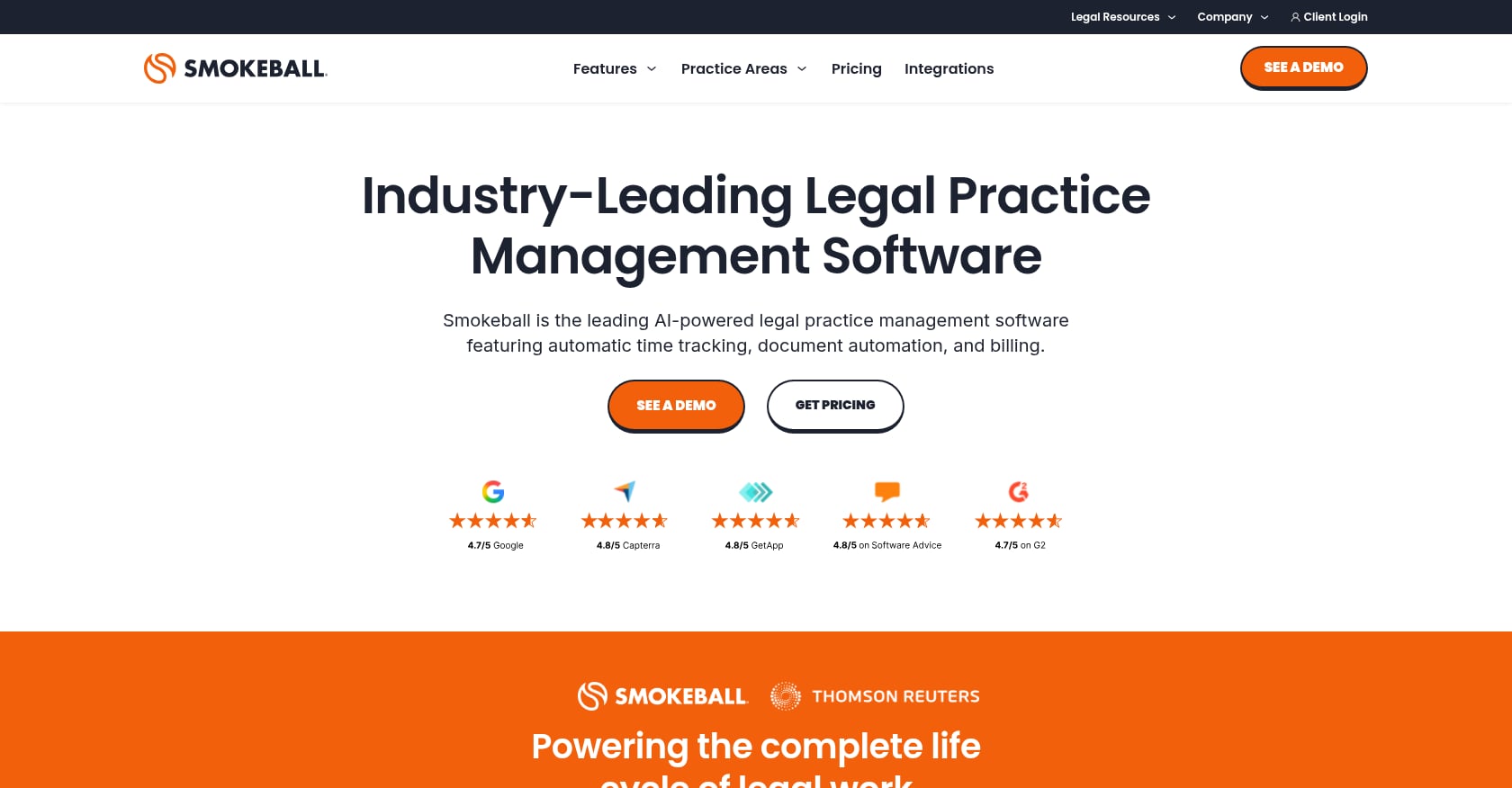
Best for: Practice-area-specific form libraries with automatic time tracking
Pricing:
- Base plan: ~$139/user/mo
- Annual contracts required (12-month or 36-month terms)
- Month-to-month billing is not available
Key features:
- The largest document library in legal software: thousands of practice-area-specific forms, contracts, and templates, including state-specific court forms
- Deep Microsoft Word and Outlook integration rather than forcing a proprietary editor
- Automatic time tracking (AutoTime) that runs in the background, capturing billable activity without manual timers
- Archie AI assistant for document drafting and research
Real user perspective: Reviewers consistently note that Smokeball’s automatic time tracking alone often pays for the subscription. One practitioner blog observed that Smokeball includes deep document automation out of the box, while Clio charges extra for Draft. On the flip side, multiple G2 reviewers report renewal fees nearly doubling after 36-month contracts.
Honest limitations:
- Windows-only for full desktop features, which excludes Mac-primary firms
- Annual lock-in contracts limit flexibility, and price increases at renewal are common
- Most expensive per-user option on this list
- Advanced document automation requires higher tiers
Verdict: If your practice lives in Microsoft Word and you need pre-built state-specific forms without building templates yourself, Smokeball delivers. Just go in with eyes open about the long-term contract commitment and potential renewal cost increases.
5. MyCase
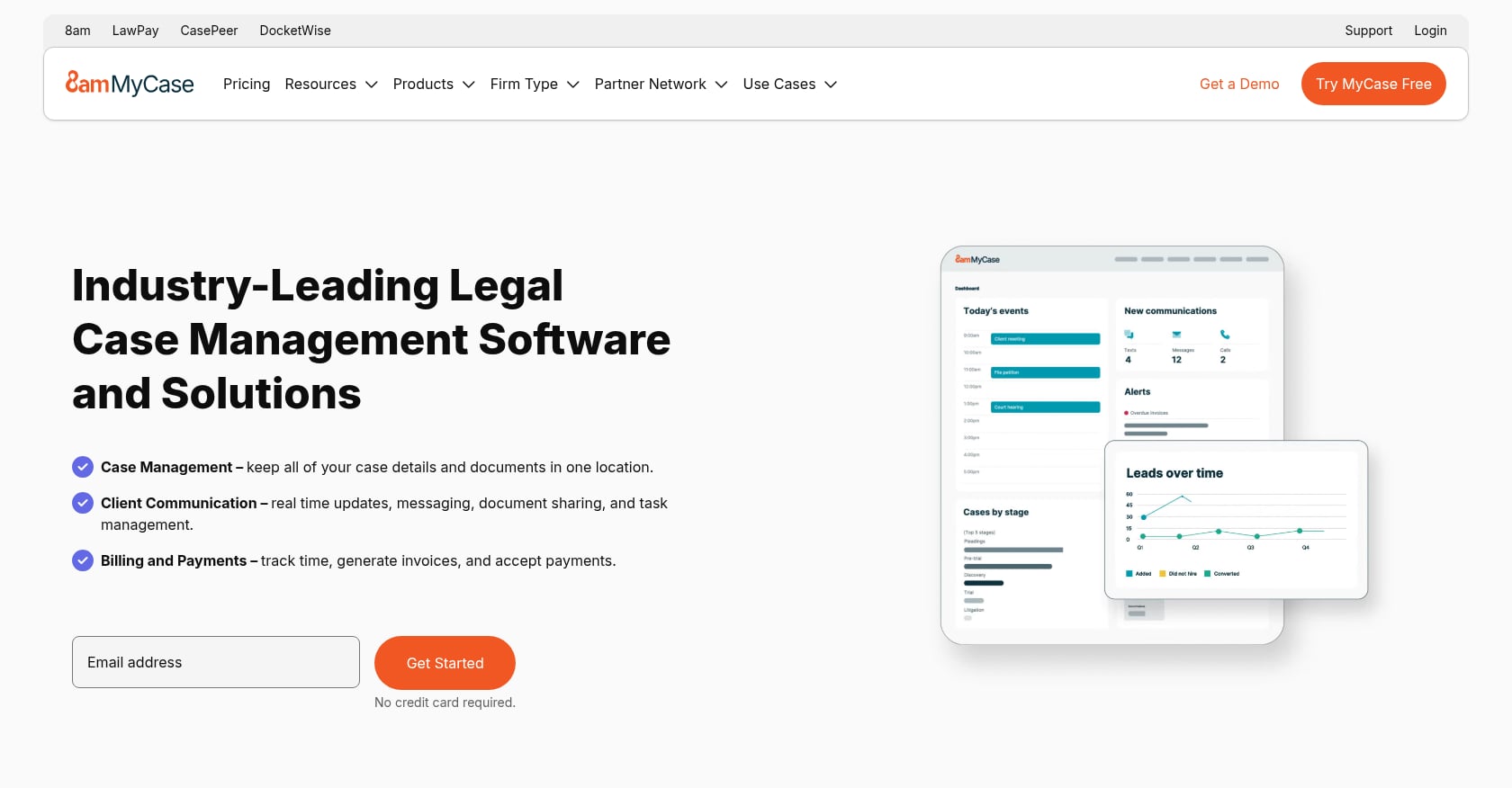
Best for: Budget-friendly all-in-one practice management for small firms
Pricing:
- Basic: $39/user/mo
- Pro: $89/user/mo (includes 8am IQ AI assistant)
- Advanced: $109/user/mo (advanced document automation, open API)
Billed annually. 10-day free trial.
Key features:
- More included in the $39 Basic plan than most competitors’ mid-tier plans
- 8am IQ legal AI writing assistant (Pro plan) helps draft correspondence, summarize documents, and assist with legal writing
- Built-in client communication portal, text messaging, and payment processing
- Clean, simple interface that requires minimal training
Real user perspective: Independent reviewers at CounselStack note that “firms that rely on document assembly for contracts, demand letters, or court filings often supplement MyCase with a separate document tool, adding to total cost.” That’s worth considering when comparing the sticker price.
Honest limitations:
- Document automation on lower tiers is basic. Real automation is locked behind the $109/mo Advanced plan
- Integration library is roughly 50 apps versus Clio’s 250+
- Limited handling of existing third-party PDFs
- Firms needing serious document assembly often end up paying for a second tool on top of MyCase
Verdict: Best value for small firms (2 to 15 attorneys) who prioritize clean client communication and ease of use over deep document automation. If document filling or assembly is your main bottleneck, you’ll likely need a supplementary tool.
6. PandaDoc
Best for: Document workflows with e-signatures and CRM integration
Pricing:
- Free: $0/mo (limited to 60 docs/year)
- Essentials: $19/user/mo
- Business: $49/user/mo
Billed annually.
Key features:
- All-in-one document generation, e-signature collection, and analytics platform
- Strong CRM integrations with Salesforce, HubSpot, and Pipedrive
- Template library with drag-and-drop editor
- Real-time document tracking showing when recipients open and view documents
Real user perspective: PandaDoc carries a 4.7/5 rating based on publicly available reviews, reflecting high satisfaction with automation and collaboration features. Users do flag limitations in offline functionality and note it’s not built specifically for legal workflows.
Honest limitations:
- Not legal-specific. No court form libraries, no practice management, no matter tracking
- Template-first approach, so it can’t handle arbitrary existing PDFs the way AI-powered tools can
- CRM integrations are its real strength, which matters less for traditional legal workflows
- Free tier is capped at 60 documents per year
Verdict: Makes sense for commercial and transactional law practices that handle proposals and sales-adjacent documents alongside contracts. Not the right fit for firms whose pain is filling government forms or court filings.
7. Knackly
Best for: Complex conditional document assembly with advanced logic
Pricing:
- Starter: $250/mo (4 users)
- Done For You: $500/mo (4 users, includes setup assistance)
- Professional: $1,000/mo (12 users, full API access)
Key features:
- Cloud-based document automation with deep conditional logic: if/then branching, repeating sections, multi-document assembly from a single interview
- Generates output in Word and PDF formats
- Designed as a modern, cloud-native alternative to legacy tools like HotDocs
- API access on the Professional tier enables custom integrations
Real user perspective: One practitioner’s review captures the market positioning well: “When HotDocs priced itself out of the market for small businesses, we reviewed all available replacements. Knackly was the best choice then and, in my opinion, remains the best choice.”
Honest limitations:
- Expensive starting point at $250/mo, especially for firms just getting started with automation
- Requires significant upfront investment in template building and logic configuration
- No AI field extraction. This is purely a template-driven tool
- No built-in e-signature (requires integration with third-party tools)
Verdict: The right tool for firms with complex, logic-heavy documents (multi-party transactions, conditional clauses across jurisdictions) that need a modern HotDocs replacement. Not worth it if your needs are simpler.
8. HotDocs
Best for: Legacy enterprise document assembly at scale
Pricing: Contact vendor. Enterprise-level, historically expensive. No transparent pricing published.
Key features:
- Transforms frequently used documents into reusable templates with sophisticated conditional logic
- Deep variable and clause management for complex legal documents
- Long track record in large law firms and government agencies
- On-premise and cloud deployment options
Real user perspective: Industry observers describe HotDocs as “the legacy enterprise document automation platform, powerful but expensive, complex to implement, and typically requiring dedicated staff or consultants to maintain.” A blog from Caddi notes that legacy RPA tools in general “break on UI changes, and each bot needs a developer to keep alive.”
Honest limitations:
- No transparent pricing, which is a red flag for cost-conscious firms
- Requires significant implementation investment and often dedicated consultants
- Predates the AI wave with no native AI field extraction or OCR
- Template creation and maintenance demands technical expertise
Verdict: Only makes sense for large firms or legal departments with existing HotDocs infrastructure and dedicated IT teams. For everyone else, newer alternatives offer better value and faster setup.
Hidden Costs: What the Sticker Price Doesn’t Tell You
One of the most consistent frustrations practitioners report is that the advertised price of law firm automation software rarely reflects actual costs. Research indicates hidden costs from implementation, per-user fees, compliance configuration, and integration middleware commonly add 50 to 80% above base pricing.
Here’s what a 5-person firm actually pays annually on some of these tools:
| Tool | Advertised Monthly | Annual Cost (5 Users) | Likely True Cost (with add-ons) |
|---|---|---|---|
| Filly AI Pro | $39/mo (flat) | $468 | ~$468 (no per-user pricing) |
| Clio Complete | $149/user/mo | $8,940 | $10,000 to $14,000+ with Draft add-on |
| Smokeball | ~$139/user/mo | $8,340 | $10,000 to $15,000+ after renewal increases |
| MyCase Advanced | $109/user/mo | $6,540 | $7,500 to $9,000+ if supplementing with doc tool |
Flat-rate pricing (like Filly’s model) avoids the per-user multiplication that makes enterprise tools expensive for growing teams. That said, per-user tools often include broader feature sets. The right comparison is total cost relative to the specific problem you’re solving.
How to Choose the Right Law Firm Automation Software
By firm size:
Solo practitioner: Filly AI or MyCase. Both offer low entry points and minimal setup. If your pain is filling existing forms, Filly’s free tier gets you started immediately. If you want lightweight practice management, MyCase Basic at $39/mo covers the essentials.
Small firm (2 to 10 attorneys): Clio, Filly AI, or MyCase. Clio wins on breadth if budget allows. Filly handles form-filling workflows without per-user costs eating your margins. MyCase sits in between.
Mid-size firm (10 to 50): Smokeball or Clio. Both offer the depth of features, form libraries, and integrations that mid-size operations need. Factor in total annual cost and contract terms.
Enterprise (50+): HotDocs or Gavel at scale. These firms typically have IT teams to manage template infrastructure and can absorb higher implementation costs.
By use case:
- Filling existing government forms and court PDFs: Filly AI
- Creating contracts from templates: Gavel or Knackly
- All-in-one practice management + documents: Clio or Smokeball
- Documents + e-signatures + CRM: PandaDoc
- Budget-conscious small firm: MyCase
ROI reality check:
Document automation reduces time spent per document by 30 to 70% and cuts error rates by over 50%, according to industry benchmarks. Thomson Reuters Institute reports that enterprise-wide GenAI use across law firms jumped from 14% in 2024 to 43% in 2026, showing the profession is moving fast. The average small-to-midsize firm recovers automation costs within 90 to 150 days.
For more guidance on tools that handle the full contract lifecycle, from filling to sending to signing, see this guide to the best tools for contracts.
FAQ
What is law firm automation software?
Law firm automation software is technology that streamlines repetitive legal tasks, including document creation, form filling, client intake, billing, and case management. The category ranges from single-function tools that auto-fill PDFs to comprehensive practice management platforms covering everything from timekeeping to client communication.
How much does law firm automation software cost?
Pricing spans from free (Filly AI, PandaDoc) to $1,000+/month (Knackly Professional, HotDocs enterprise). Single-function tools typically run $19 to $99/month. All-in-one practice management platforms cost $39 to $149 per user per month. Watch for hidden costs: implementation fees, per-user pricing that compounds with team growth, annual lock-in contracts, and paid add-ons for features like document automation or AI assistants. See Filly AI’s pricing for an example of transparent flat-rate tiers.
Can automation software handle scanned PDF forms?
Most traditional law firm automation software cannot. Tools like Gavel, Knackly, and HotDocs are template-first, meaning they generate new documents from templates you build rather than working with existing PDFs. Filly AI is specifically designed for this use case, using OCR to extract fields from scanned and flat PDFs and then auto-filling them from saved client data. Smokeball’s large form library also handles pre-existing forms but through a curated library rather than AI extraction.
Is document automation software GDPR compliant?
It depends on the vendor. Look for encryption in transit and at rest, row-level data isolation, clear data processing agreements, disclosed sub-processors, and user-controlled deletion. Filly AI offers GDPR-aligned deletion controls, auto-deletion after inactivity, and a published Data Processing Agreement. For any tool, request their DPA and review their security practices before uploading client data.
What’s the difference between practice management and document automation?
Practice management software (Clio, Smokeball, MyCase) covers the full operational workflow: case tracking, billing, calendaring, client communication, and document storage. Document automation is a narrower category focused specifically on generating or filling documents faster. Some practice management tools include document automation as a built-in or add-on feature, but firms with heavy document workflows often supplement their practice management platform with a dedicated tool.
Do I need to build templates before I can use these tools?
For most tools on this list, yes. Gavel, Knackly, HotDocs, and PandaDoc all require you to create or configure templates before generating documents. The exception is Filly AI, which uses AI field extraction to map and autofill any uploaded PDF or DOCX without prior template setup. Smokeball also provides a large pre-built library, so template creation is optional for common form types.
How long does it take to see ROI from law firm automation software?
According to industry data, the average small-to-midsize firm recovers automation costs within 90 to 150 days. The 2026 Bloomberg Law survey found attorneys work 49 hours weekly but bill only 37, leaving 12+ hours of non-billable time that automation can partially reclaim. Even recovering 30 additional billable minutes per day changes the math significantly at typical billing rates.
Try Filly AI free, no credit card required, and see how much time you save filling forms this week.