TL;DR
Most contract software comparisons focus on the signature step, but the real time sink for lawyers, HR teams, freelancers, and consultants is filling the same client data into PDFs and Word files over and over. This guide compares eight tools across the full contract workflow: preparation, signing, and management. Filly AI leads for teams that need to autofill existing PDF and Word contracts from reusable client profiles, while DocuSign, PandaDoc, and others win for different workflow stages.
Contracts Are Not One Workflow
“Contract software” means different things to different people. An immigration lawyer filling 30 government PDFs per client has a completely different problem than a sales director routing an enterprise agreement through legal review. An HR coordinator generating 50 offer letters for a new cohort is not shopping for the same tool as a freelance designer sending a single NDA.
Yet most comparison articles treat all of these people the same. They list e-signature platforms, compare envelope pricing, and call it a day.
That misses the point. Practitioners on LinkedIn consistently argue that e-signature alone does not fix contract workflows, because documents still get lost in inboxes, approvals still stall, and storage stays disconnected. The signature is one step in a longer chain. And for many teams, it is not even the slowest step.
The slowest step is often preparation: retyping names, addresses, dates, rates, and terms into the same PDFs, Word contracts, NDAs, offer letters, and onboarding forms. A 2025 World Commerce & Contracting report found that inefficient contract management can cost businesses up to 15% of annual business value. And TechRadar’s coverage of Docusign’s 2026 product updates notes that average B2B contracts can take four to six weeks to reach signature, with most delays happening during preparation and review, not signing.
This article separates contract tools by what they actually do best, so you can pick the right one for your bottleneck.
Already have contracts in PDF or Word format that need filling? Try Filly AI to autofill them from reusable client profiles before sending for review and signature.
Quick Comparison: Best Contract Tools at a Glance
Tool | Best for | Starting price | Free plan? | Main strength | Biggest tradeoff |
|---|---|---|---|---|---|
Filly AI | Autofilling existing PDF/DOCX contracts | Free; paid from $19/mo | Yes | AI extraction, reusable profiles, batch fill, OCR | Newer product; lighter e-sign depth |
DocuSign | Enterprise e-signature | ~$10-15/user/mo | Free trial | Mature e-sign, trust, integrations | Envelope limits, cost complexity |
Adobe Acrobat Sign | PDF-heavy teams | ~$14.99-19.99/mo | Varies | PDF editing + signing ecosystem | Slow with large files; subscription cost |
PandaDoc | Sales proposals and quotes | $19/user/mo | Free trial | Proposals, tracking, payments | Formatting issues; not for official PDFs |
Dropbox Sign | Simple e-signatures | ~$20/mo | Varies | Easy signing, fast onboarding | Limited field customization |
Jotform Sign | Form-first signing | $34/user/mo | Yes | Forms + signable workflows | Free limits are tight |
pdfFiller | Manual PDF editing | $8/mo (annual) | Free trial | General PDF editing toolbox | Manual workflow; no batch autofill |
Formstack Documents | Structured document generation | $99/mo | Free trial | Data merge from templates | Higher cost; more setup required |
How to Choose the Right Contract Tool
Before scrolling through eight product descriptions, answer five questions. They will cut the list in half for your situation.
Are you filling existing documents or generating new ones?
If you receive third-party PDFs, government forms, scanned contracts, or client-supplied templates, you need a tool that works with files as they are. That points toward Filly AI, pdfFiller, or Adobe Acrobat. If you build contracts from internal templates and structured data, PandaDoc or Formstack Documents fits better. If documents are already prepared and just need execution, DocuSign or Dropbox Sign will do.
Where is your bottleneck: preparation, approval, or signature?
One LinkedIn practitioner described the common workflow: copy an old Word contract, find-and-replace names and dates, fix the formatting that broke, export to PDF, then email it for signature. The bottleneck there is preparation, not signing. If that sounds familiar, an e-signature tool alone will not save much time.
Are your documents flat or scanned PDFs?
Practitioners on Reddit report that flat PDFs and non-interactive forms remain a genuine pain point. If your contracts arrive as scans or static files, you need OCR-capable field extraction, not a template builder.
Do your signers need accounts?
External clients, job candidates, and vendors almost always prefer no-login links. Account requirements increase friction and support requests. Check whether your tool forces signers to create accounts.
What pricing unit will hurt you later?
This is the question most buyers skip. Reddit threads are full of users discovering envelope limits, per-document charges, and renewal surprises after committing to a platform. Before choosing, check per-envelope costs, API pricing, SMS verification fees, template limits, storage caps, and annual lock-in terms.
1. Filly AI
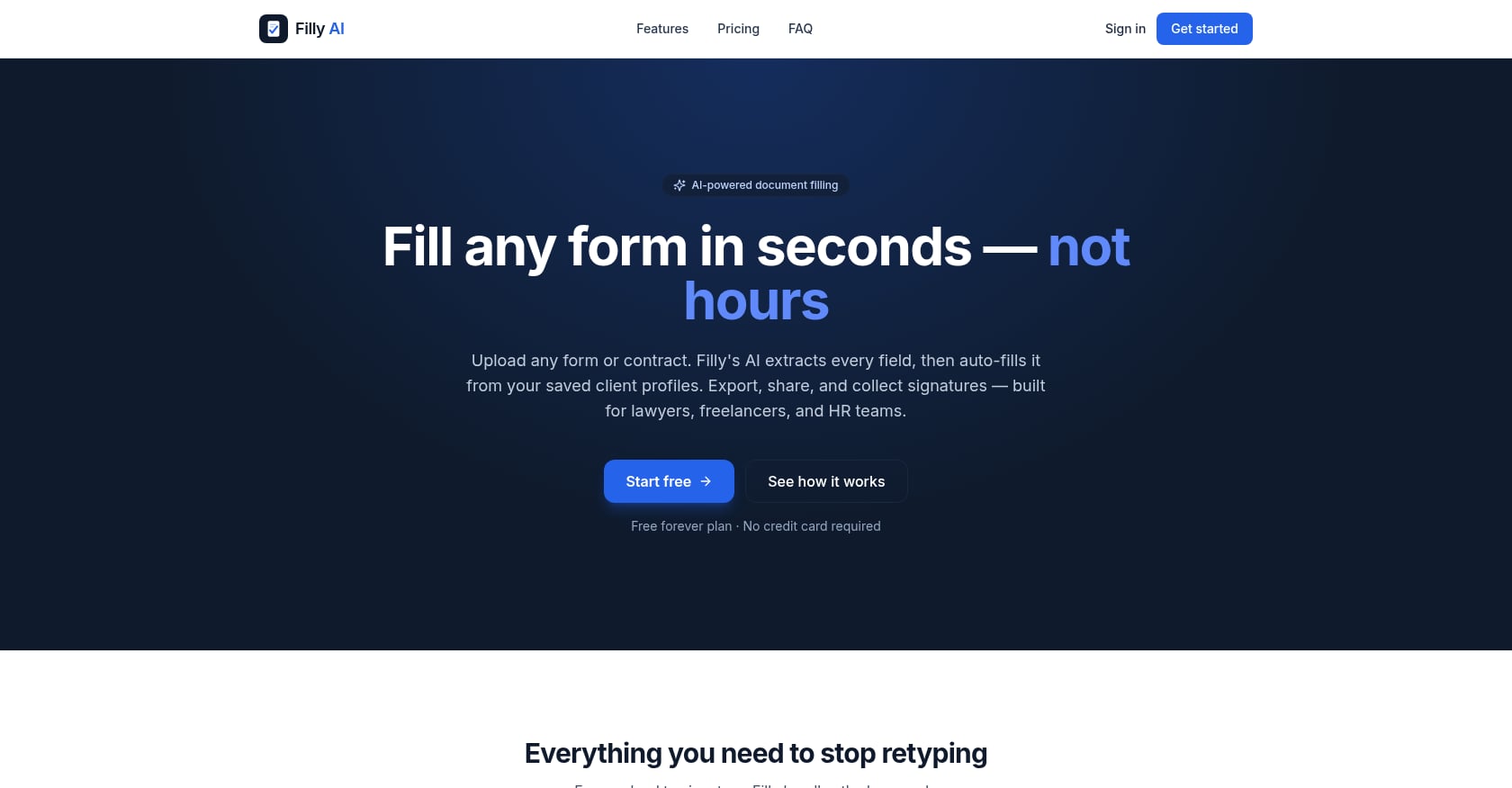
Best for: Autofilling existing PDF and Word contracts from reusable client profiles.
Pricing:
Free: $0/mo (10 forms, 5 clients, 10 fills/month)
Solo: $19/mo (20 forms, unlimited clients, 100 fills/month, batch up to 5, share and e-sign)
Pro: $39/mo (unlimited forms, clients, and fills; batch up to 20; white-label links; priority support)
Enterprise: $79/mo (Pro features plus up to 5 team seats and custom domain for share links)
No credit card required for the free plan. 14-day goodwill refund on first paid payment.
Key features:
AI field extraction for PDFs and DOCX files, including scanned documents via OCR
Reusable client profiles with completeness scores, so you enter data once and fill across all contracts
Confidence-coded autofill that highlights low-confidence fields for human review
Batch fill for up to 20 clients at once
No-login share, review, and e-sign links
Pixel-perfect PDF export that overlays data onto the original layout
Built-in templates on every plan for common documents like NDAs, offer letters, and invoices
Encryption in transit and at rest, row-level data isolation, GDPR-aligned deletion controls
What users like:
Filly is strongest when the job is “open this PDF and fill the same client details again.” Lawyers handling immigration forms, HR teams generating onboarding packets, and freelancers producing service agreements and statements of work can enter client data once and reuse it across every document in the workflow. The OCR support means scanned government forms and flat PDFs work too, not just interactive ones.
Tradeoffs:
Not a full enterprise CLM with complex routing, obligation tracking, or renewal management
E-signature functionality is simpler than enterprise e-sign suites with KBA, SSO, or regulated-industry certifications
Newer product with limited public third-party reviews and case studies
Teams with strict AI vendor-processing policies should review the security documentation and subprocessor list before uploading sensitive contracts
Verdict: Choose Filly AI if your contract workflow starts with “open this PDF or Word file and fill the same client data again.” It is the strongest option when preparation, not signature, is the bottleneck. It is not the right pick if you need enterprise identity verification, advanced routing, or post-signature obligation management.
2. DocuSign
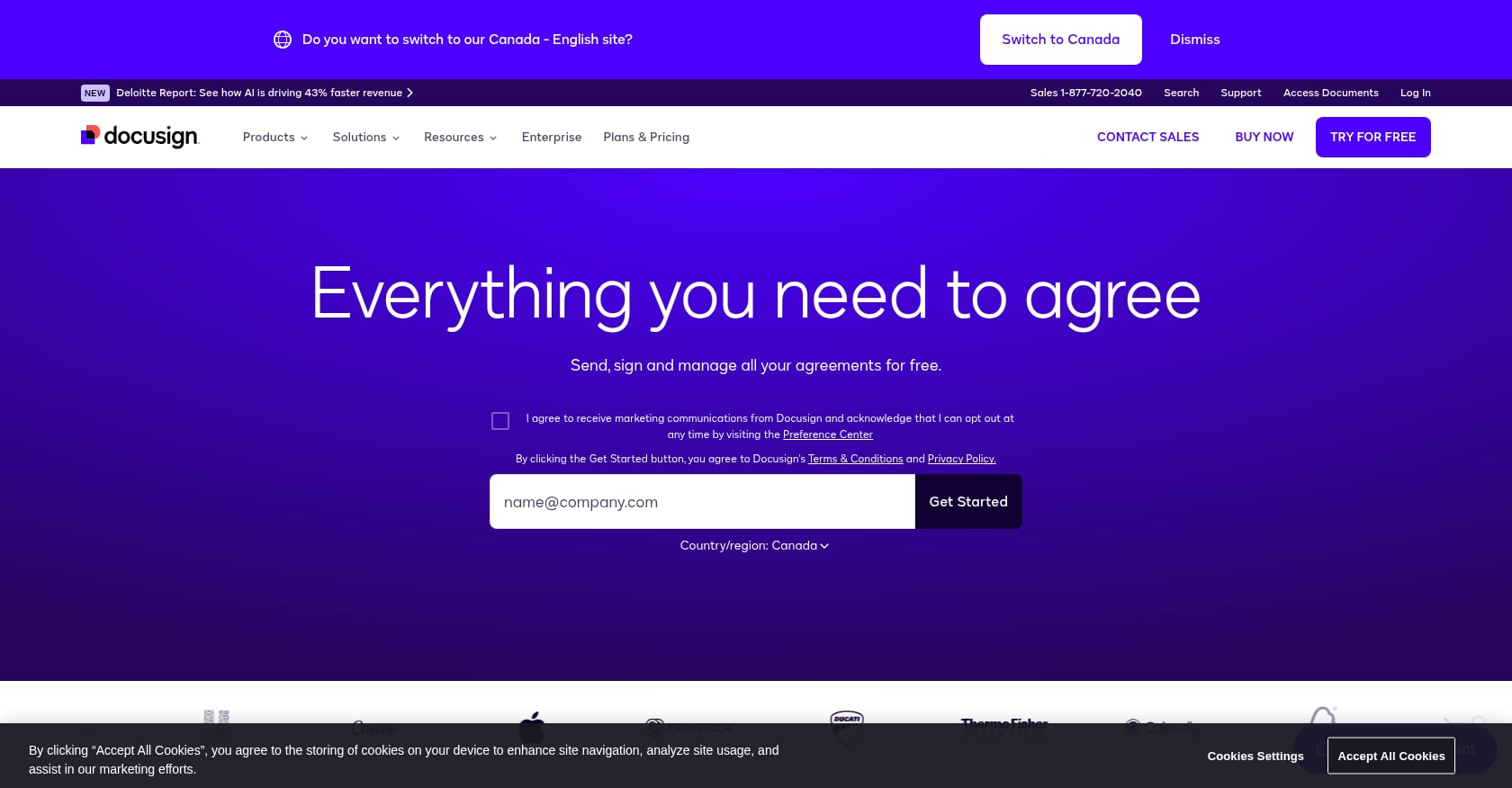
Best for: Enterprise-grade e-signature with broad brand recognition and global trust.
Pricing:
Capterra lists a starting price around $10-15/user/month depending on plan and billing cycle. Personal plans start lower but cap envelope volume at five per month. Standard and Business Pro tiers increase quotas and unlock features like templates, routing, and web forms. Pricing varies by region and negotiation, so verify current rates before committing.
Key features:
E-signature requests with templates, routing, and audit trails
Web forms, payments, and stronger authentication options
Integrations with CRM, HR, and finance platforms
Remote electronic notarization on higher tiers
Document generation capabilities
What users like:
With over 9,000 reviews and a 4.7 rating on Capterra, DocuSign is the most recognized name in e-signatures. Reviewers consistently praise signing speed, convenience, and cross-device accessibility. If your recipients already know and trust DocuSign, that familiarity reduces friction at the signature step.
Tradeoffs:
Envelope limits create budgeting anxiety, especially for growing teams
Reddit users frequently complain about renewal pricing surprises, with one sysadmin thread describing unexpected per-envelope cost increases at renewal
Advanced features often sit behind higher pricing tiers
Overkill if the core problem is “fill 40 existing PDFs with client data”
Verdict: DocuSign is the safe enterprise answer for contract execution. It is often not the most efficient answer for teams whose main problem is preparing contracts before they reach the signature step.
3. Adobe Acrobat Sign
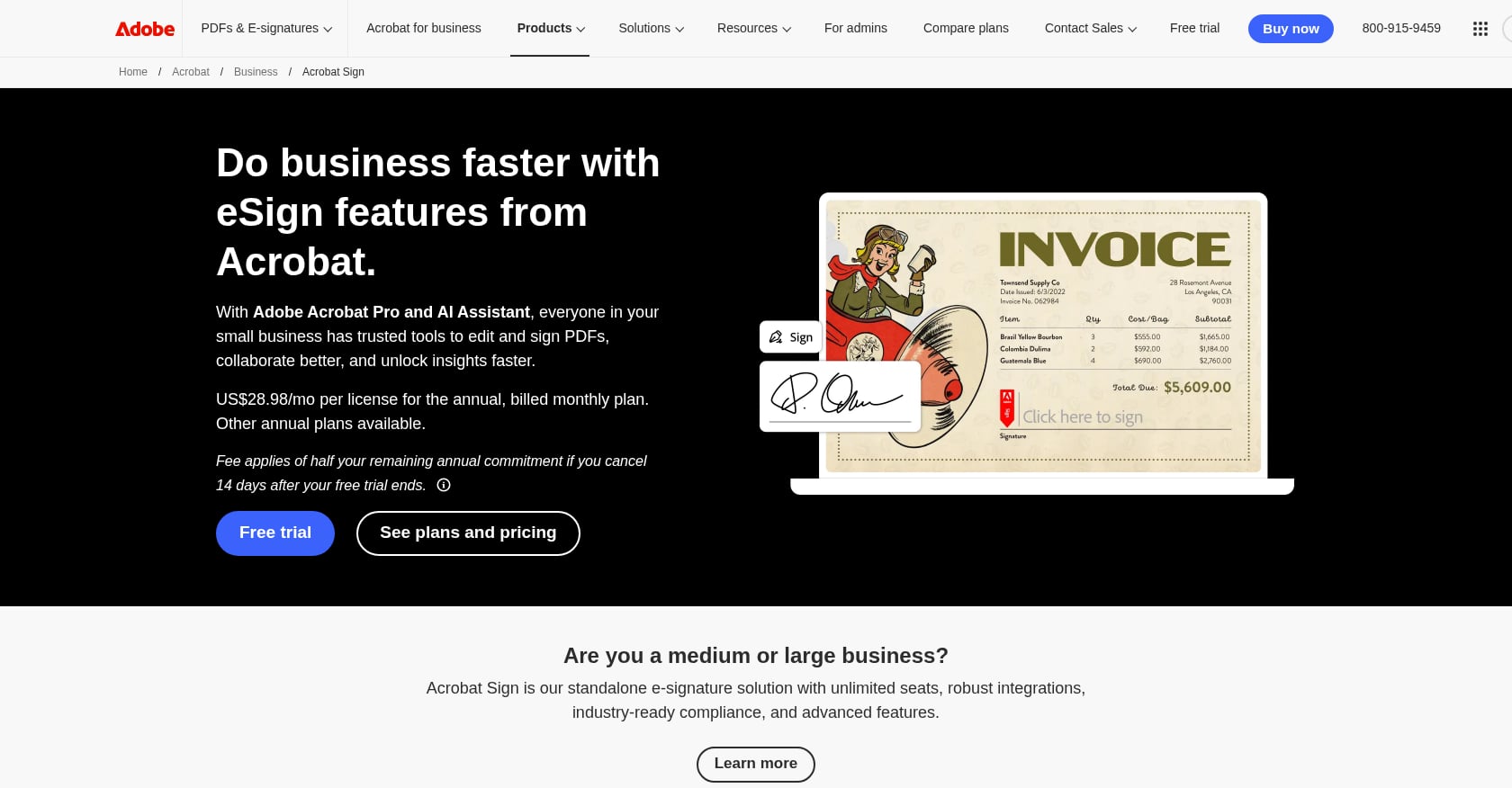
Best for: PDF-heavy teams already paying for Adobe products.
Pricing:
Third-party sources vary; Adobe's own pricing page (checked September 2026) lists Acrobat Standard at $14.99/month and Acrobat Pro at $19.99/month, and publishes no team price at all — business plans are quoted by sales. Some e-sign transaction limits apply depending on plan. Pricing on Capterra profiles shows figures as high as $29.99/user/month for certain configurations, so confirm current pricing with Adobe directly.
Key features:
Full PDF creation, editing, conversion, and collaboration
E-signature workflows integrated into the PDF editing experience
Microsoft and Adobe ecosystem integrations
Secure sharing and annotation tools
Mobile and desktop apps
What users like:
Capterra reviewers rate Adobe Acrobat at 4.7 and praise its PDF editing depth, digital signature workflows, and cross-device collaboration. For teams that already live in the Adobe ecosystem, adding signing to their existing PDF toolchain is natural.
Tradeoffs:
Capterra reviews flag slow loading and crashes with large or complex files
Subscription cost complaints are common
Less purpose-built for reusable client profiles and batch contract filling
Feels heavy for simple signing or repeated autofill tasks
Verdict: Adobe is a solid PDF workstation. It is not necessarily the fastest way to fill the same client data across dozens of contracts and forms. If you are weighing the two, we broke down whether Adobe Fill & Sign uses AI and where an AI form filler actually differs.
4. PandaDoc
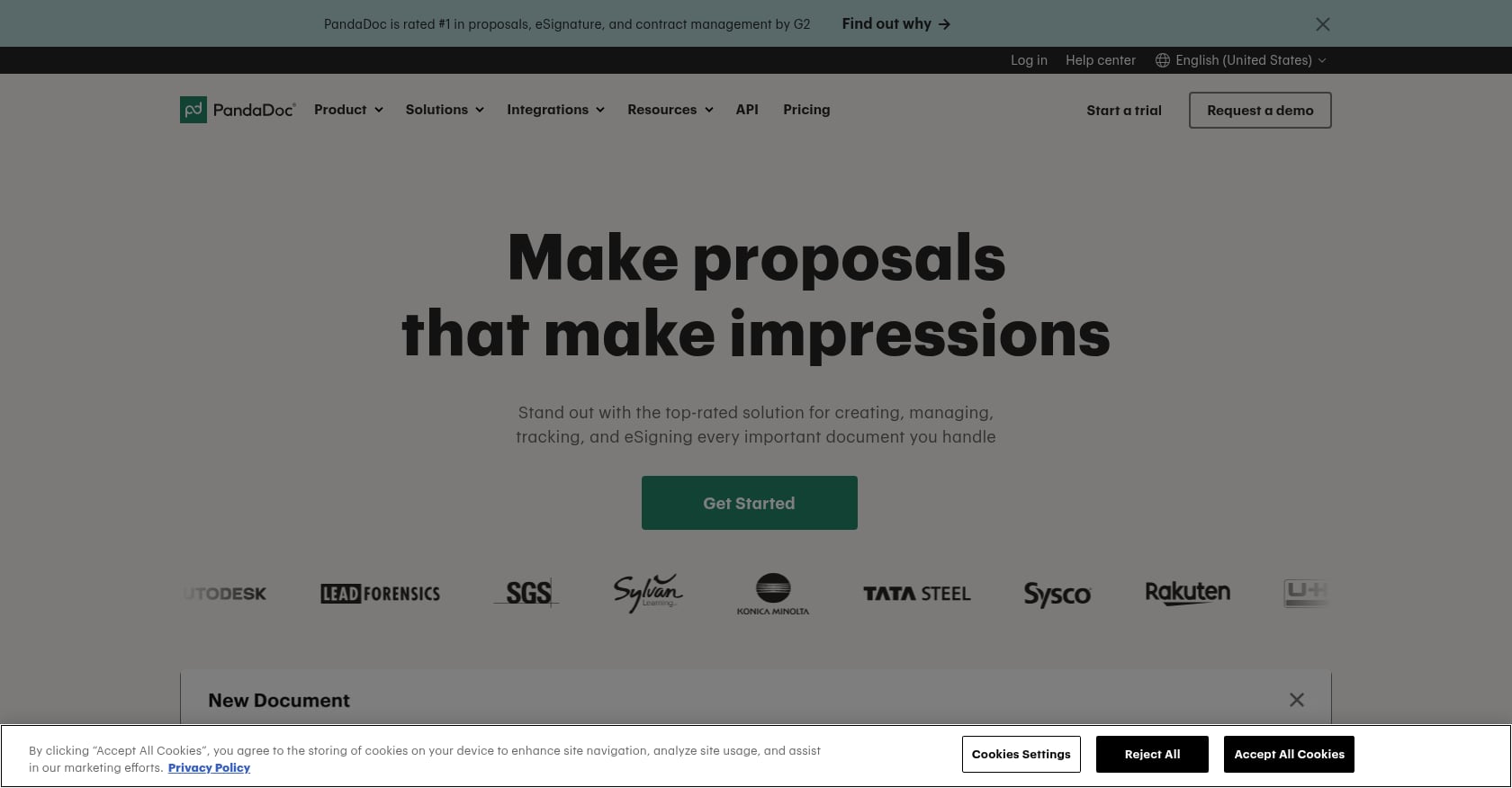
Best for: Sales proposals, quotes, and client-facing commercial documents.
Pricing:
Essentials starts at $19/user/month, Business at $49/user/month (billed annually), and Enterprise at custom pricing. Free trial available. Capterra shows a 4.5 rating from over 1,200 reviews.
Key features:
Proposal and quote builder with pricing tables
E-signatures with document analytics and engagement tracking
CRM integrations and payment collection
Approval workflows and template library
Buyer activity tracking (views, time spent, forwarding)
What users like:
Sales and agency teams value PandaDoc’s ability to combine proposals, contracts, and payments in one branded package. The engagement analytics (knowing when a prospect opened the document and which sections they read) give sales teams actionable follow-up data.
Tradeoffs:
Not designed for static government PDFs, scanned forms, or pixel-perfect official documents
Review summaries flag formatting issues when importing existing documents
Email delivery and spam folder problems appear in user feedback
Trustpilot sentiment is notably lower than G2/Capterra ratings, with billing and support complaints surfacing more often
Deeper CLM and redlining features are not its core strength
Verdict: PandaDoc excels when the contract is part of a sales proposal. It is less compelling when the job is batch-filling existing PDFs or government forms.
5. Dropbox Sign
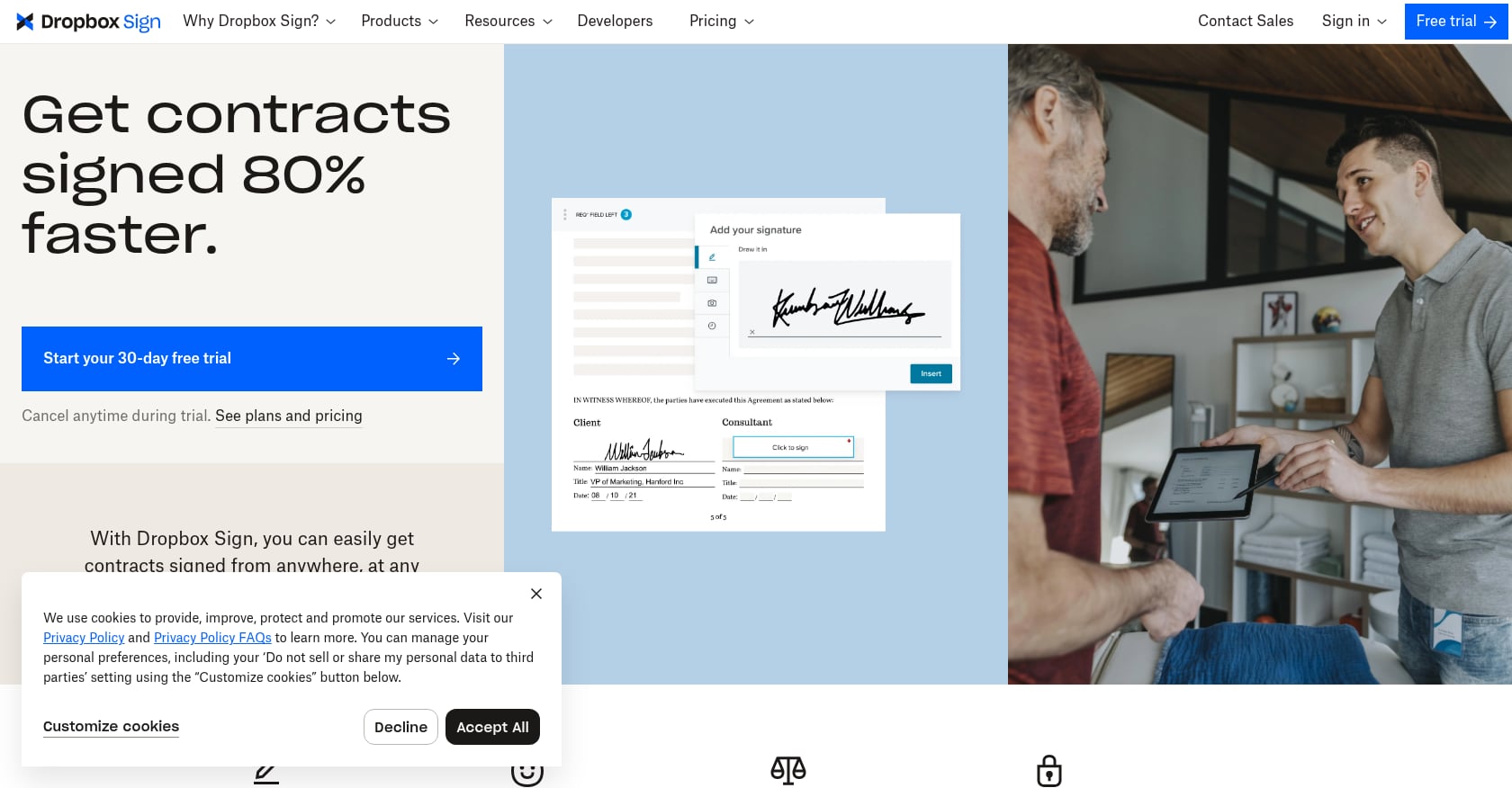
Best for: Simple e-signatures with minimal training and Dropbox-centered file storage.
Pricing:
Capterra lists a starting price around $20/month. Essentials and Standard plans offer unlimited signature requests. Higher tiers add templates, branding, bulk sending, and team features. Capterra rating: 4.7 from over 1,400 reviews.
Key features:
E-signature requests with reusable templates
Audit trails and field validation
Integrations with Google Drive, Microsoft, and HubSpot-type tools
Dropbox ecosystem file management
Clean, minimal signing interface
What users like:
Capterra reviewers describe Dropbox Sign as easy to use and quick to onboard. The simplicity is the product: teams that want signing without CLM overhead tend to be satisfied.
Tradeoffs:
Limited form-field customization, with reviewers noting challenges with field placement and duplication
Not an AI autofill product, so repeated data entry stays manual
Less flexible for complex form filling or batch contract generation
Advanced enterprise controls may require higher-tier plans
Verdict: Dropbox Sign is a clean execution tool. It is a weak fit when contract preparation, data reuse, or scanned PDF handling is the main problem.
6. Jotform Sign
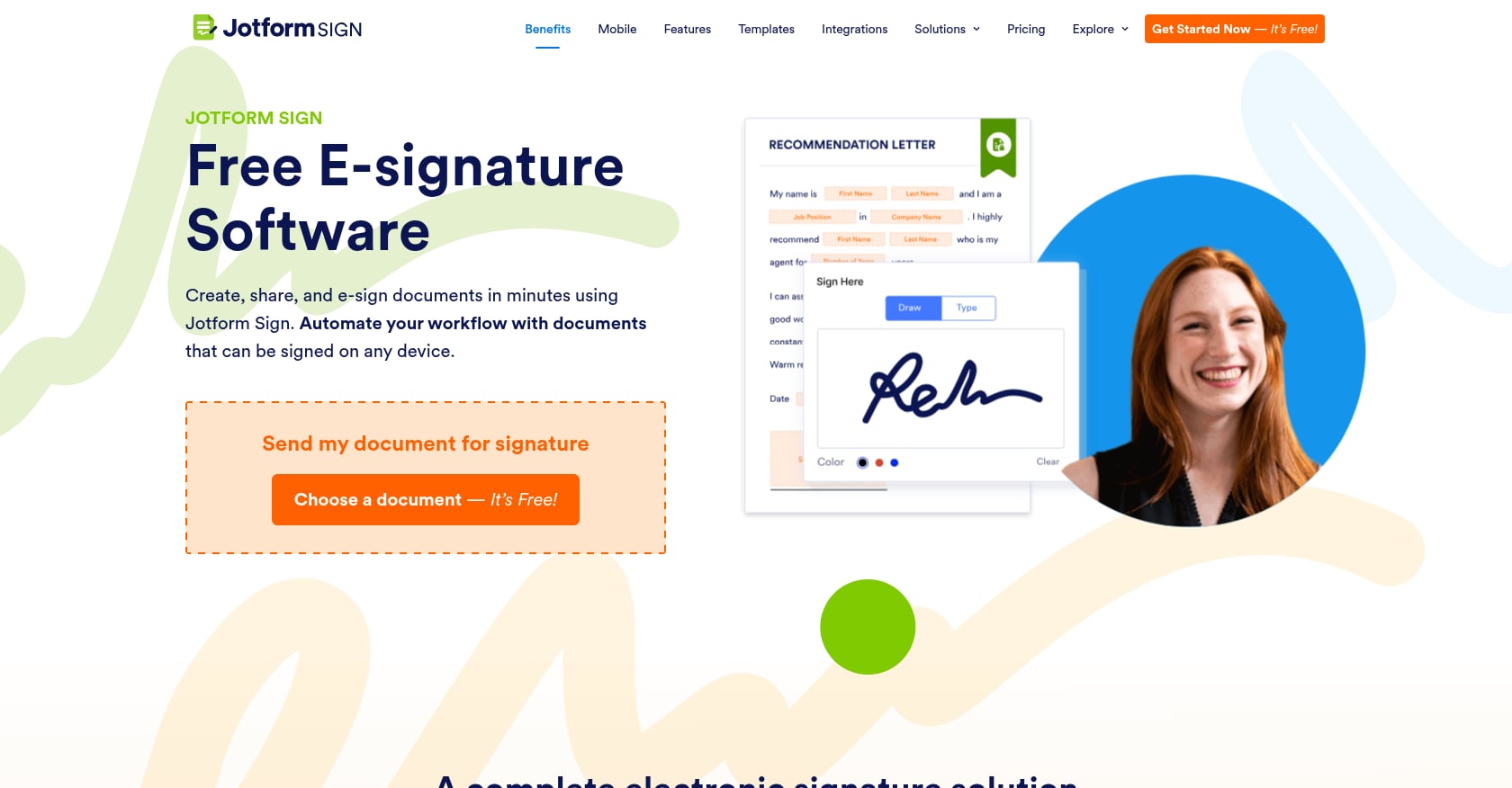
Best for: Form-first workflows where data collection precedes the signature.
Pricing:
Paid plans start at $34/user/month. Free version available but limited to 10 signed documents per month, 5 forms, 100 monthly submissions, and 1,000 form views. G2 notes that paid plans range from $34 to $99 depending on tier. Capterra rating: 4.8 from 216 reviews.
Key features:
Turn web forms and PDFs into signable workflows
Routing, storage, audit trails, and automation
Strong fit with Jotform’s broader form-building platform
Useful for volunteer forms, consent forms, HR intake, nonprofit applications, and client approvals
What users like:
The 4.8 Capterra rating reflects genuine ease of use. One nonprofit reviewer described it as working well for volunteer applications with automatic emailed outputs. For organizations that think in terms of “collect information first, then sign,” the form-to-signature pipeline feels natural.
Tradeoffs:
Not ideal for pixel-perfect official PDF overlays
Free plan limits are tight for teams with regular contract volume
Not built around reusable client profiles for repeated filling across multiple documents
Multi-user collaboration can push teams toward expensive plans quickly
Verdict: Jotform Sign is strong when the document starts as a form. Filly AI is stronger when the document starts as an existing PDF or Word contract that needs accurate filling from saved client data.
7. pdfFiller
Best for: Manual PDF editing and one-off form work.
Pricing:
Annual billing brings costs down to $8/month (Basic), $12/month (Plus), and $15/month (Premium). Month-to-month pricing jumps to $20, $30, and $40 respectively. Signing functionality requires the Premium tier. Free trial available but no permanent free plan. Capterra rating: 4.6 from nearly 1,000 reviews.
Key features:
Upload, edit, fill, annotate, rearrange, and merge PDFs in-browser
Create templates and insert fillable fields
Password protection and document conversion
US legal form library
Mobile apps on higher tiers
What users like:
TechRadar describes the browser-based editor as responsive and easy to navigate. Capterra reviewers appreciate the ability to add content to PDFs without breaking the original design.
Tradeoffs:
Every fill is manual, with no client profile reuse or AI extraction
Sluggish performance with large files
Month-to-month pricing is significantly higher than annual
Not designed for batch generation of many completed contracts
Some Reddit users in PDF communities report paid-download surprises and subscription friction
Verdict: pdfFiller is useful when you need to manually fix or fill a PDF once. Filly AI is the better option when the same data must be reused across many contracts or Word documents.
8. Formstack Documents
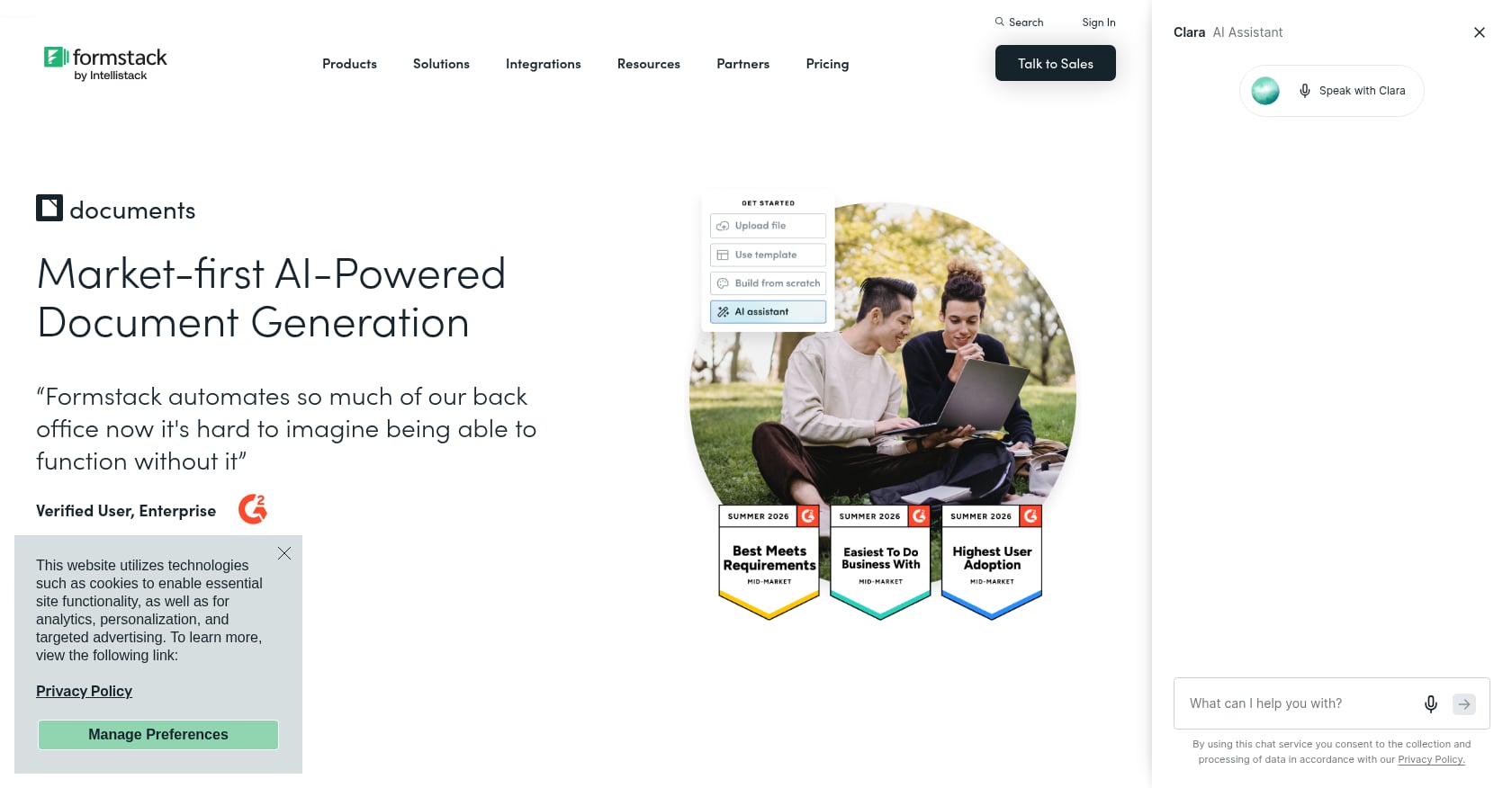
Best for: Structured document generation from CRM, form, or spreadsheet data.
Pricing:
Starting at $99/month, which includes document sending, document merge, 10 document templates, data routing, and custom branding. Free trial available. Capterra rating: 4.7 from 112 reviews with 96% positive sentiment.
Key features:
Document generation and merge from structured data sources
Data routing and automated contract creation
Integrations with Salesforce, Google Drive, PayPal, DocuSign, Shopify, and 100+ platforms
Custom branding and template management
What users like:
Capterra shows strong ratings across customer service, features, and overall satisfaction. Teams that already collect structured data in CRMs, forms, or spreadsheets value the ability to push that data directly into contract templates without copy-pasting.
Tradeoffs:
Higher starting price than lightweight PDF or e-sign tools
Less ideal when you receive arbitrary third-party PDFs or scanned forms
Setup and integration work is more involved than simpler tools
Not positioned as a quick AI autofill overlay for existing PDFs
May be too complex for solo users or small teams
Verdict: Formstack Documents is strong when your data and templates are structured. Filly AI is stronger when your reality is messy PDFs, Word contracts, scans, and repeated client profiles that need quick, accurate filling.
Hidden Costs to Check Before Choosing Contract Software
Practitioners on Reddit consistently warn about pricing surprises with contract and e-signature tools. One thread in r/sysadmin described a DocuSign renewal quote that shocked the poster with per-envelope costs far above expectations. These complaints are anecdotal, but the pattern is too consistent to ignore.
Before committing to any contract tool, check these items:
Envelope or document send limits. Some plans cap how many contracts you can send per month.
Per-signer or authentication fees. SMS verification and identity checks may cost extra.
API access costs. Automating contract workflows through an API often requires a higher tier.
Bulk send availability. Batch sending may be locked behind expensive plans.
Template limits. Free and entry plans frequently restrict how many templates you can save.
Storage and retention limits. Signed contracts may be deleted after a retention period unless you pay more.
Branding and white-label costs. Removing vendor branding from client-facing links is often a premium feature.
Support tier differences. Priority support almost always costs more.
Annual commitments and auto-renewal terms. Monthly flexibility may come at 2-3x the annual price.
One useful practice: calculate your cost per completed contract across a full year, not just the monthly subscription price. A $15/month plan with a 5-envelope limit costs $3 per contract. A $39/month plan with unlimited fills and batch support could cost pennies per document.
Are Electronic Signatures Legally Valid for Contracts?
Short answer: yes, for most business contracts. But the details matter.
In the United States, the ESIGN Act and state-level UETA laws establish that electronic signatures cannot be denied legal effect solely because they are electronic. In the European Union, the eIDAS regulation goes further by distinguishing three levels of electronic signature: simple (SES), advanced (AES), and qualified (QES). A qualified electronic signature has the equivalent legal effect of a handwritten signature under EU law.
That said, certain document types may still require wet-ink signatures or specific signature levels. Wills, some real estate transactions, notarized documents, and certain government filings can have their own rules depending on jurisdiction. The signature level, identity verification method, and audit trail quality all matter for enforceability.
This is not legal advice. If your contracts involve regulated industries, cross-border parties, or high-value obligations, check the specific requirements for your jurisdiction and document type. For teams concerned about data handling when using contract tools, reviewing the provider’s data processing agreement and privacy documentation is a good starting point.
Final Verdict: Which Contract Tool Should You Choose?
The right tool depends on where your workflow breaks down.
Choose Filly AI if you repeatedly fill existing PDFs, Word contracts, scanned forms, NDAs, contractor agreements, or onboarding packets from reusable client data. It is the fastest path when preparation is the bottleneck.
Choose DocuSign if enterprise trust, mature routing, and broadly recognized e-signature infrastructure matter most.
Choose Adobe Acrobat Sign if PDF editing is central and your team already pays for Acrobat.
Choose PandaDoc if contracts are part of sales proposals and quotes with engagement tracking.
Choose Dropbox Sign if you need simple signing with minimal training.
Choose Jotform Sign if the workflow starts with web-form data collection before signing.
Choose pdfFiller if you need a general PDF editing toolbox for occasional one-off work.
Choose Formstack Documents if you want to generate contracts from structured data and CRM integrations.
No single tool handles every contract workflow well. The teams that save the most time are the ones that correctly identify whether their problem is filling, signing, proposing, or managing, and pick accordingly.
Ready to stop retyping client data into contracts? Browse contract templates or upload your own PDF and Word files to start autofilling from saved client profiles.
Frequently Asked Questions
What is the best free contract tool in 2026?
Filly AI offers a permanent free plan with 10 forms, 5 clients, and 10 fills per month, with no credit card required. Jotform Sign also has a free tier but limits you to 10 signed documents per month and 5 forms. Most other tools in this list offer free trials rather than permanent free plans.
Can I use electronic signatures on any contract?
Electronic signatures are valid for most business contracts in the US under the ESIGN Act and in the EU under eIDAS. However, certain documents (wills, some real estate transactions, notarized instruments) may have jurisdiction-specific requirements for wet-ink or qualified electronic signatures. Always check the rules for your document type and location.
What is the difference between a contract tool and a CLM platform?
A contract tool typically handles one or two stages: filling, signing, or generating contracts. A CLM (contract lifecycle management) platform covers the full cycle from drafting through negotiation, approval, execution, obligation tracking, renewal, and analytics. CLM platforms cost more and require more setup. Most small teams and solo practitioners do not need a full CLM.
Why do contract tools charge per envelope?
Per-envelope pricing is the e-signature industry’s standard billing model, similar to how email marketing tools charge per send. It allows vendors to offer lower base prices while charging heavier users more. The downside is unpredictable costs if your contract volume spikes. Tools like Filly AI on the Pro plan offer unlimited fills, avoiding this per-document anxiety.
Can I autofill scanned PDF contracts?
Yes, but you need a tool with OCR (optical character recognition) capabilities. Filly AI supports scanned PDFs via OCR-based field extraction. Adobe Acrobat also has OCR features. Most e-signature-only tools expect interactive PDFs with pre-defined form fields and will not handle scans well.
How do I reduce errors when AI fills contracts?
Use confidence-coded autofill if your tool supports it. Filly AI color-codes each filled field by confidence level, so reviewers can focus their attention on low-confidence entries rather than checking every field manually. Always review names, dates, financial amounts, and legal terms before sending any AI-filled contract for signature.
Is it safe to upload sensitive contracts to cloud-based tools?
Check three things: encryption (both in transit and at rest), data isolation (whether your data is separated from other users’ data), and deletion controls (whether you can erase documents and client data on demand). Also review the vendor’s subprocessor list to understand which third-party services handle your data. Filly AI discloses its subprocessors and offers GDPR-aligned deletion controls. You can review their security practices before uploading sensitive documents.
What contract types can I autofill with reusable client profiles?
Any document where the same client or employee information repeats across forms: NDAs, service agreements, offer letters, engagement letters, statements of work, invoices, immigration forms, court filings, onboarding packets, and more. The value increases with volume. If you fill the same details into three or more documents per client, a profile-based autofill tool pays for itself quickly.