TL;DR
A mid-size law firm spends 15 to 20 hours per month just chasing signatures through printing, mailing, and scanning. But the real bottleneck most articles ignore is the data entry that happens before anyone signs. Filly AI tops this list because it solves both problems (AI form filling plus e-signature) starting at $0/month. DocuSign remains the enterprise standard but is overkill for most firms under 20 attorneys. Budget picks like SignNow ($8/user/month) and SignWell ($12/month) handle simple signing well. Read on for real pricing, honest tradeoffs, and a decision framework by firm size.
Quick Comparison Table
| Tool | Starting Price | Best For | Free Plan | Envelope/Fill Limits | Legal Features | Rating |
|---|---|---|---|---|---|---|
| Filly AI | $0/mo (Free) / $19/mo Solo | AI form filling + e-sign | Yes | Fill-based (10-unlimited) | AI autofill, immigration forms, pixel-perfect PDF | New product |
| DocuSign | $15/mo Personal | Enterprise compliance | No | 5-100/mo by tier | KBA, SSO, court-defensible audit trail | 4.5/5 G2 |
| Adobe Acrobat Sign | $23/mo Standard | PDF-heavy workflows | No | Annual per-seat limits | Native PDF editing, gov security certs | 4.7/5 Capterra |
| PandaDoc | $35/user/mo Essentials | Proposal-driven practices | E-sign only | Unlimited on paid plans | Payment collection, CRM integration | ~4.5/5 |
| Dropbox Sign | $15/mo Essentials | Simplicity seekers | Limited trial | 150/user/year on some plans | Clean UX, strong API | ~4.7/5 |
| SignNow | $8/user/mo Business | Budget mid-volume firms | Free trial only | Unlimited templates | Workflow automation, routing | 8.6/10 PeerSpot |
| SignWell | $12/mo Light | Solo lawyers on a budget | 3 docs/mo | Varies by plan | SOC 2 Type II, HIPAA, audit trails | 4.9/5 Capterra |
| Clio | $49/user/mo EasyStart | Firms already on Clio | No | Unlimited on Advanced+ | Full practice management + e-sign | ~4.7/5 |
What Law Firms Actually Need from E-Signature Software
Most comparison articles treat e-signature tools as interchangeable commodities. They aren’t. Law firms have specific requirements that general business tools only partially address. Here are the six things that actually matter.
1. Legal compliance (ESIGN, UETA, eIDAS). Every tool on this list meets the baseline. The real question is whether it handles your specific document types and jurisdictions, including EU work under eIDAS.
2. An audit trail that holds up in court. Timestamps, IP addresses, signer authentication, and tamper-evident seals. Without these, opposing counsel can challenge the signature’s validity.
3. Client experience. Many law firm clients are not tech-savvy. Requiring account creation to sign a retainer agreement is a friction point that delays matters. No-login signing links solve this.
4. Integration with practice management tools. If your firm runs on Clio, iManage, or NetDocuments, the e-signature tool needs to fit into that workflow without manual file shuffling.
5. Form filling and document prep. This is the gap nobody talks about. Before a client can sign an engagement letter, someone has to type their name, address, matter details, and fee terms into the document. For immigration firms handling dozens of USCIS forms, this pre-signature data entry consumes more time than the signing itself. Tools that address this pre-population workflow cut hours from every matter.
6. Pricing that doesn’t punish growth. Envelope-based pricing sounds reasonable until you do the math. A five-attorney firm sending 100 documents per month can easily spend $3,000 to $5,000 annually on overages alone. Every new client engagement letter or amendment counts against your allotment.
The 8 Best E-Signature Tools for Law Firms
1. Filly AI
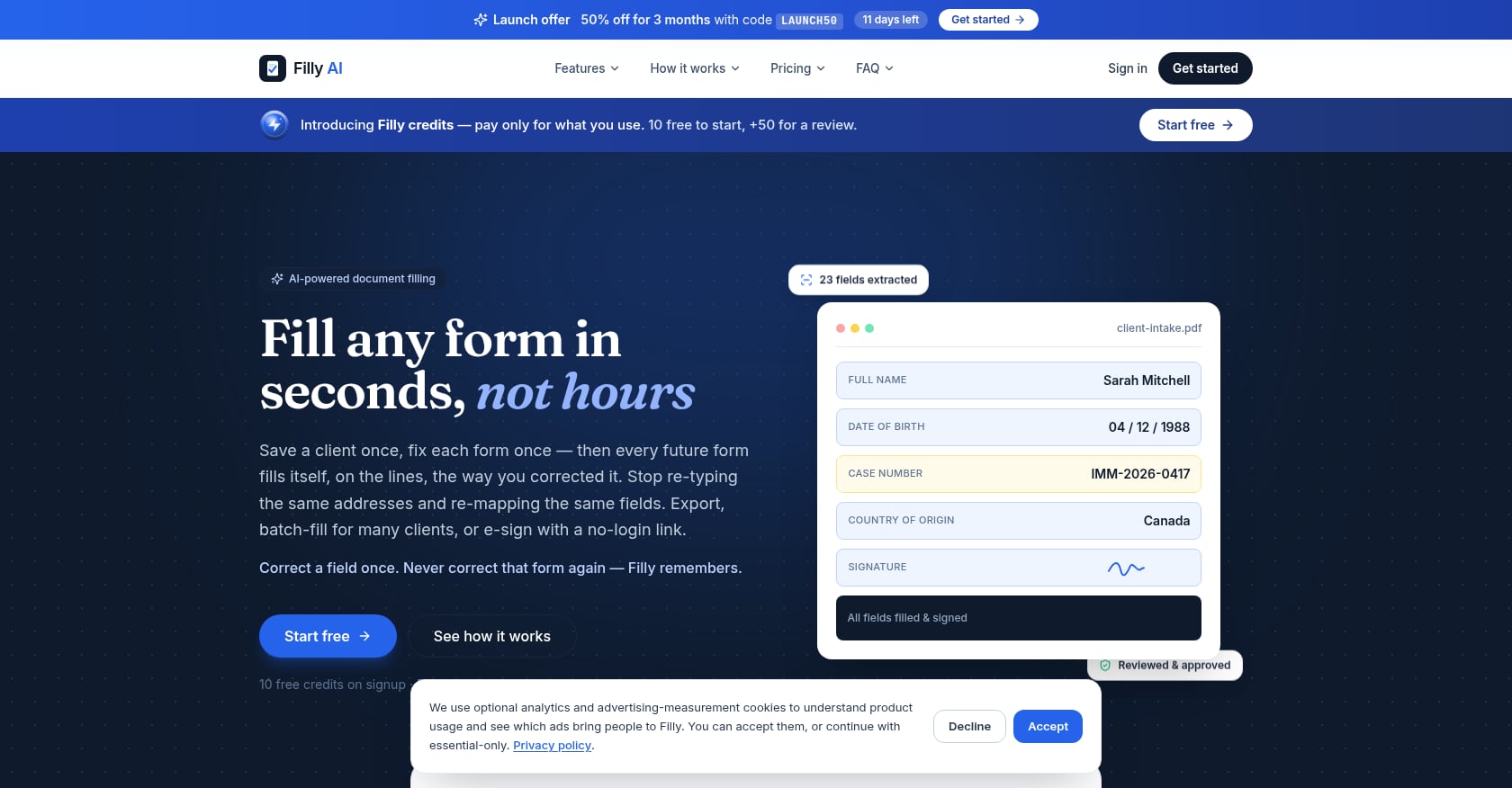
Best for: AI-powered form filling plus e-signature, especially for immigration lawyers and firms drowning in repetitive PDFs.
Most e-signature tools solve the last step (getting a signature) but ignore the biggest time sink: getting client data into the document in the first place. Filly AI bridges both. It uses AI to extract fields from any PDF or DOCX (including scanned forms via OCR), auto-fills them from reusable client profiles, and then lets you send no-login e-signature links to clients.
Key features:
- AI field extraction for PDFs and DOCX, including scanned government forms via OCR
- Reusable client profiles with completeness scores, so you enter data once and reuse it across all forms
- Smart autofill with color-coded confidence indicators for quick QA
- Batch fill for up to 5 clients per run on Solo and 20 on Pro
- No-login share and e-sign links (clients never need to create an account)
- Pixel-perfect PDF export that preserves official layouts for court filing
- 25 built-in templates on every plan, including the free one (NDAs, offer letters, invoices, and more)
- Notifications on signature events
- GDPR-aligned security: encryption in transit and at rest, row-level data isolation, Data Processing Agreement available
Pricing:
- Free: $0/month (10 forms, 5 clients, 10 fills/month)
- Solo: $19/month (20 forms, unlimited clients, 100 fills/month, batch up to 5, share and e-sign)
- Pro: $39/month (unlimited everything, batch up to 20, white-label links, priority support)
- Enterprise: $79/month (up to 5 team seats, custom domain for share links)
Honest tradeoffs:
- The e-signature and audit trail capabilities are simpler than enterprise suites. No KBA, SSO/SAML, or complex routing workflows.
- Limited native third-party integrations compared to DocuSign’s 400+ ecosystem.
- New product with few public case studies. Firms should test accuracy on their specific form types.
- Field extraction relies on Anthropic AI as a sub-processor (disclosed transparently on the security page).
Verdict: If your firm’s bottleneck is filling out the same client information across stacks of PDFs before anyone signs, Filly AI eliminates that bottleneck. Immigration lawyers handling Form G-28 and similar USCIS paperwork will see the most dramatic time savings. Firms that only need basic signing with no document prep should look at Dropbox Sign or SignWell instead.
2. DocuSign
Best for: Enterprise compliance and court-defensible audit trails at scale.
DocuSign controls roughly 67.62% of the electronic signature market, and for large firms, that market dominance translates into two practical advantages: the widest court acceptance of any e-signature platform and 400+ integrations with tools like Clio, iManage, and NetDocuments.
Key features:
- Knowledge-Based Authentication (KBA) and SSO/SAML for regulated practice areas
- Advanced routing, sequential signing, and conditional logic
- 400+ integrations, including most legal practice management platforms
- Name recognition that reassures clients and opposing counsel
Pricing:
- Personal: $15/month (5 envelopes/month)
- Standard: $45/month
- Business Pro: $60/month
- Enterprise: $40 to $100/user/month (contact for quote)
Real user sentiment:
DocuSign holds a 4.5/5 on G2 across 2,567 reviews and a 4.7/5 on Capterra across 9,241 reviews. But the picture on Trustpilot is starkly different: 1.4 out of 5 across 1,143 reviews. The most common complaints? “Expensive” appears in 27 G2 reviews, with 17 additional mentions of “pricing issues.” Practitioners on review sites consistently flag aggressive auto-renewals, buried cancellation flows, and price increases that appear without clear notice.
Honest tradeoffs:
- The Personal plan’s 5 envelopes per month is gone in a week for a practicing attorney sending engagement letters, retainer agreements, and settlement authorizations.
- For solo practitioners or small firms sending 10 to 20 documents monthly, a $45/month expense funds features designed for Fortune 500 companies.
- As one analysis put it, most law firms with fewer than 20 attorneys don’t need DocuSign. They’re paying for enterprise integrations and API access they’ll never use.
- The ESIGN Act and UETA created a standards-based framework that every serious competitor now meets. DocuSign’s value today is brand recognition, not legal superiority.
Verdict: If your firm has 20+ attorneys, handles regulated practice areas, needs SSO/SAML, and requires court-defensible audit trails at scale, DocuSign earns its price tag. Everyone else is overpaying for overhead.
3. Adobe Acrobat Sign
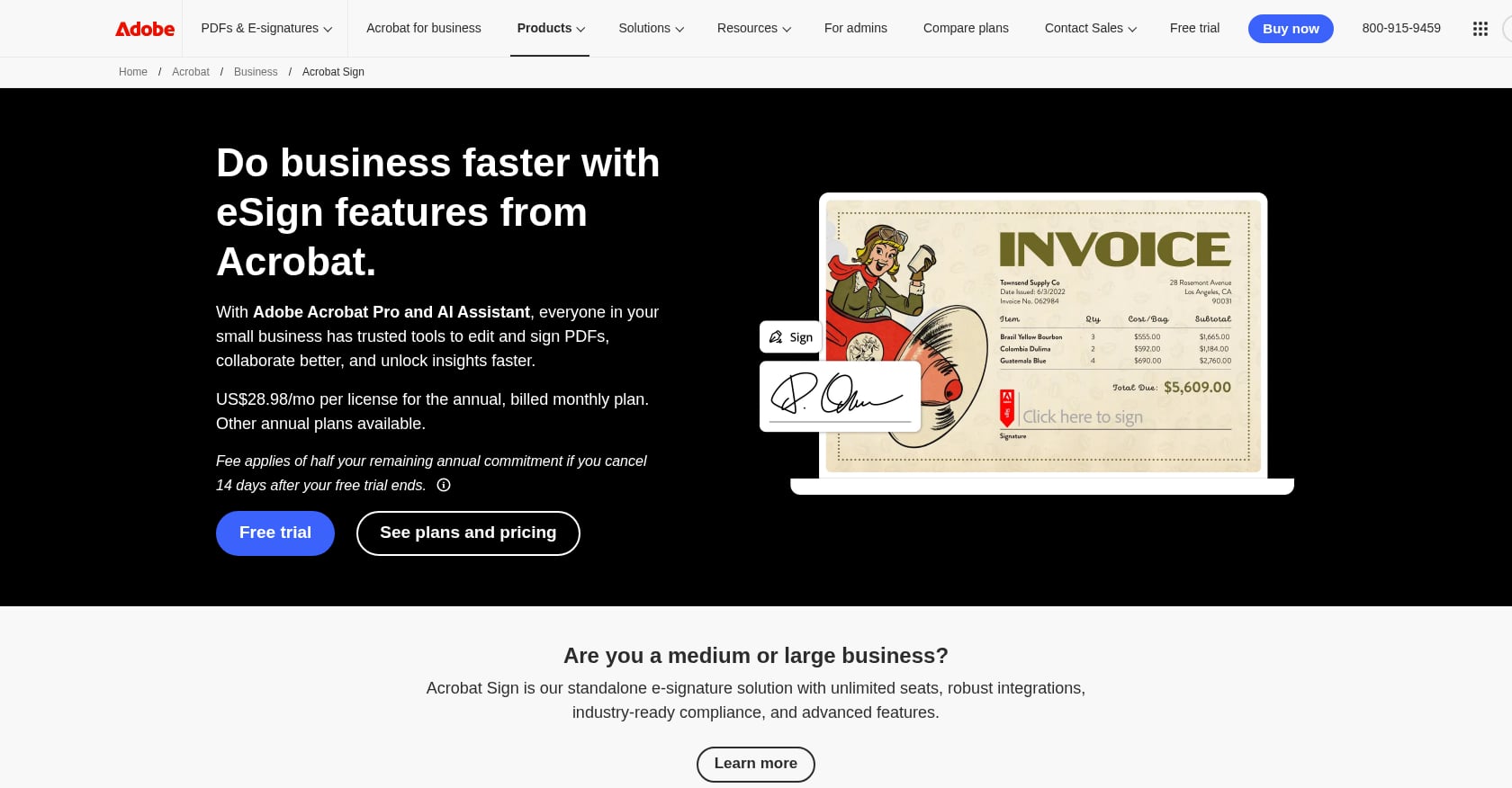
Best for: PDF-centric legal workflows where document editing and signing happen together.
Adobe Acrobat Sign stands apart because it lets users natively edit and modify PDF documents before sending them for signature. Most e-signature tools only allow drag-and-drop field placement on top of a locked document. With Adobe, attorneys can annotate, redact, and revise in Acrobat, then route for signature without switching platforms.
Key features:
- Native PDF editing plus signing in a single workflow
- Government-grade security certifications
- Deep integration with Microsoft 365
- Consistent formatting throughout the document lifecycle
Pricing:
- Acrobat Standard: $23/month
- Acrobat Pro: $30/month
- Acrobat Standard for teams: $15/user/month
- Acrobat Pro for teams: $24/user/month
Honest tradeoffs:
- Transaction limits at lower tiers can be restrictive for high-volume senders.
- User reviews consistently note the signing experience is less intuitive than DocuSign for first-time signers.
- Admin setup for team accounts is more complex than most alternatives.
- Pricing structure can get confusing between individual and team plans.
Verdict: If your firm already lives in the Adobe ecosystem and attorneys frequently need to edit PDFs before sending for signature, Acrobat Sign makes sense. For firms that just need clean, fast signing, the editing features add complexity without benefit.
4. PandaDoc
Best for: Proposal-driven practices that need document creation, e-signature, and payment collection in one place.
PandaDoc is not just an e-signature tool. It’s a document automation platform originally designed for creating proposals and contracts with interactive pricing tables, embedded videos, and analytics that show which pages a client spent time on.
Key features:
- Best-in-class document builder for proposals with interactive pricing
- CRM integrations with HubSpot and Salesforce
- Payment collection at the moment of signing
- No per-envelope limits on paid plans
- Detailed engagement tracking (who opened, how long they viewed)
Pricing:
- Free plan: E-signatures only (no document creation)
- Essentials: $35/user/month (billed annually), capped at 5 templates
- Business: $49/user/month (billed annually)
Honest tradeoffs:
- The 5-template cap on Essentials is punishing. As practitioners have pointed out, if you have an NDA template, a master services agreement, a statement of work, an amendment template, and one engagement letter, you’ve already used your entire allowance.
- Higher per-user cost than pure e-sign tools.
- Overkill for firms that just need signing, not document creation.
- The proposal-centric design means legal-specific workflows (matter folders, court filing formats) are afterthoughts.
Verdict: Excellent for litigation firms that pitch services with formal proposals or any practice collecting payments at signing. Poor value for firms that already have their documents and just need someone to sign them.
5. Dropbox Sign
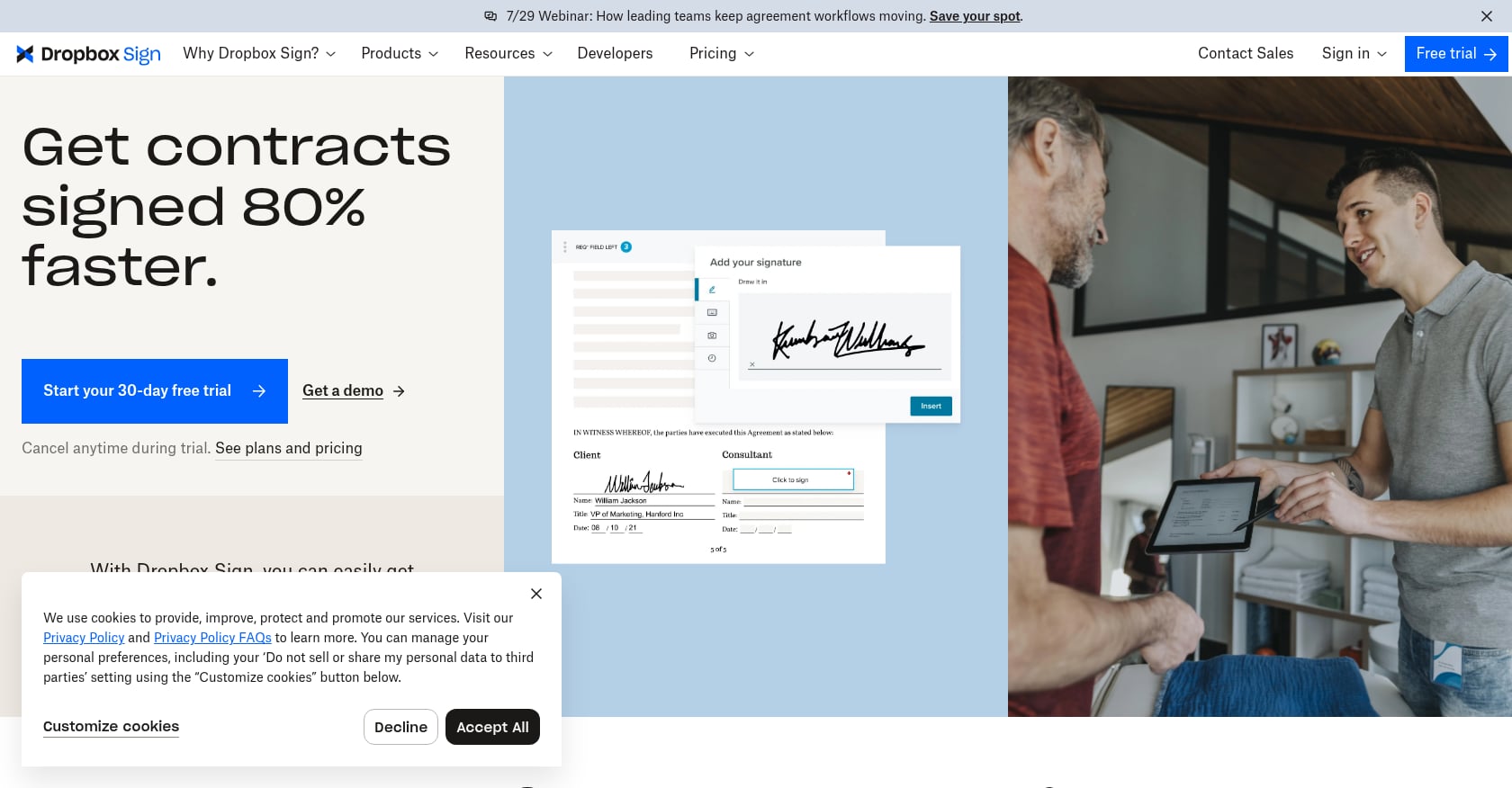
Best for: Solo practitioners and small firms who want the simplest possible signing experience.
Dropbox Sign (formerly HelloSign) consistently earns praise for doing one thing well: getting out of your way and letting you sign documents. The interface is minimal, the signer onboarding is fast, and there’s no learning curve to speak of.
Key features:
- Clean, minimal UX with the fastest signer onboarding of any tool tested
- Unlimited sending on paid plans (no envelope math)
- Strong API for developers or firms building custom workflows
- Dropbox integration for firms already using that ecosystem
Pricing:
- Essentials: $15/month
- Standard: $14.99/month
- Pro: $19.99/month
- Studio: $24.99/month
- Some plans cap at 150 transactions per user per year
Honest tradeoffs:
- Limited document preparation tools. If you need to fill forms before signing, you’re doing that work somewhere else.
- Fewer integrations with legal practice management tools compared to DocuSign.
- Now part of Dropbox, which creates some uncertainty about the product’s future direction and investment.
- No built-in form-filling or client data management.
Verdict: If your signing needs are straightforward (send document, get signature, done) and you value simplicity above everything else, Dropbox Sign delivers. For firms with complex pre-signature workflows or heavy form-filling needs, pair it with a tool like Filly AI for document automation.
6. SignNow
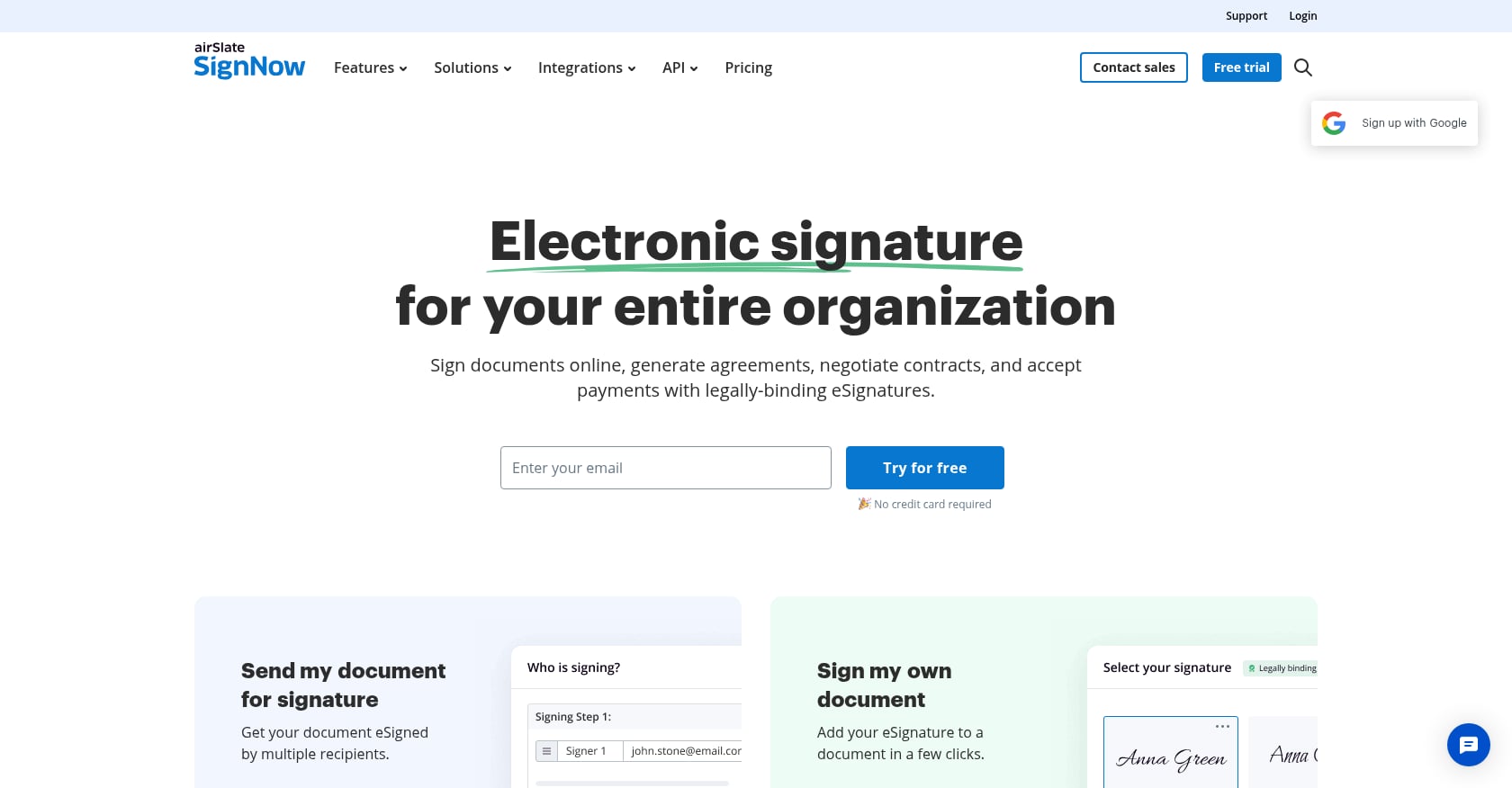
Best for: Budget-conscious mid-volume firms that need reliable signing without enterprise pricing.
SignNow competes directly with DocuSign on signing workflow capabilities while charging a fraction of the price. G2 reviewers consistently highlight its pricing as the key advantage.
Key features:
- Unlimited templates and cloud storage on the Business plan
- Workflow automation including reminders, expiration dates, and team sharing
- Complete audit trail
- Bulk sending capabilities
- Mobile app for signing on the go
Pricing:
- Business: $8/user/month (core e-signatures, mobile app, unlimited templates)
- Business Premium: $15/user/month (adds bulk sending, signing link sharing, personalized branding)
Real user sentiment:
PeerSpot users give SignNow an average rating of 8.6 out of 10. However, practitioners on review sites have flagged reliability concerns. One clinic user on FinancesOnline noted that the authentication portal is unavailable several times a week. Others report difficulty downloading or processing large batches of documents, requiring them to break requests into smaller groups.
Honest tradeoffs:
- Reliability issues with the authentication portal are a real concern for time-sensitive legal work.
- Batch processing has limitations that frustrate high-volume users.
- Fewer legal-specific integrations than DocuSign or Clio.
- Support quality gets mixed reviews.
Verdict: At $8/user/month, SignNow is hard to beat on value for firms that need solid signing workflows without enterprise overhead. Just know that you might encounter occasional downtime, which is a meaningful risk if you’re racing a filing deadline.
7. SignWell
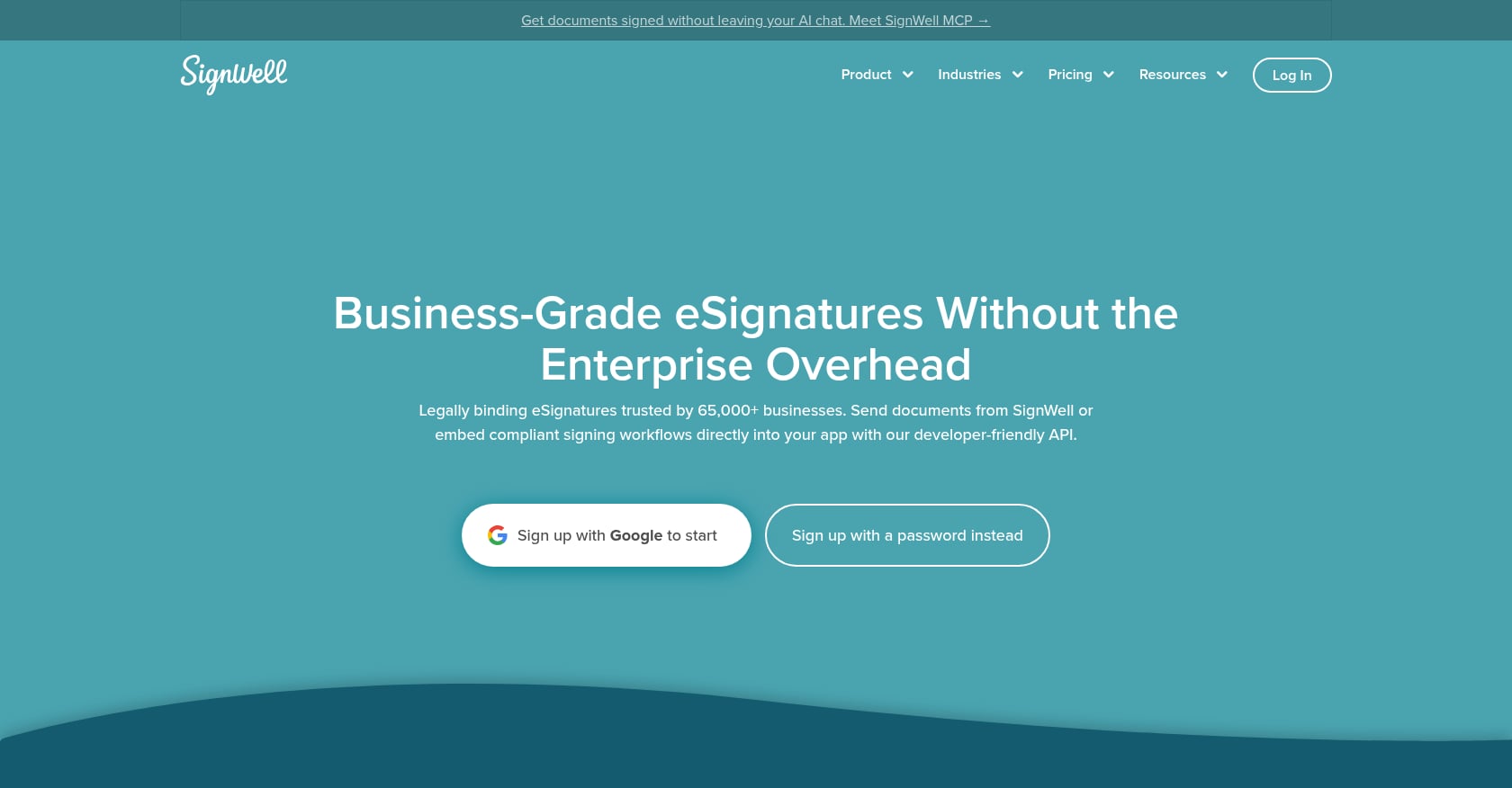
Best for: Solo lawyers who want clean design, strong compliance, and affordable pricing without DocuSign overhead.
SignWell fills the gap between basic signing tools (affordable but limited) and enterprise platforms (powerful but expensive and complex). It’s trusted by more than 65,000 businesses, with more than 17 million documents signed and 99.99% reported uptime.
Key features:
- SOC 2 Type II compliance and HIPAA support
- Detailed audit trails
- Workflow automation
- Embedded signing via API
- Responsive human support across all plans
- Integrates with Google Drive and Dropbox
Pricing:
- Free: 3 documents per month
- Light: $12/month
- Business: $36/month
- Free trial available
Real user sentiment:
SignWell holds a 4.9/5 on Capterra across 2,600+ reviews, making it the highest-rated tool on this list by user satisfaction.
Honest tradeoffs:
- SignWell itself does not offer a document storage solution. You’ll need Google Drive, Dropbox, or another system for archiving.
- Free plan capped at 3 documents per month.
- Limited legal-specific integrations (no Clio, iManage, or NetDocuments connectors).
- No form-filling or document preparation capabilities.
Verdict: For solo attorneys who need compliance checkboxes (SOC 2, HIPAA, audit trails) without paying enterprise prices, SignWell is the sweet spot. It won’t help with document prep, but it will get signatures reliably and affordably.
8. Clio (Built-in E-Signature)
Best for: Firms already on Clio Manage who want integrated signing without another vendor.
Clio includes e-signature functionality powered by Dropbox Sign directly within the platform. The appeal is obvious: no additional vendor management, no separate login, no file transfers between systems.
Key features:
- Time tracking, billing, calendaring, and e-signature in one platform
- Automated client intake forms that flow into e-signature workflows
- The largest app integration ecosystem in legal tech (hundreds of integrations)
- Unlimited e-signatures on the Advanced plan
Pricing:
- EasyStart: $49/user/month
- Essentials: $79/user/month (needed for client portals and integrations)
- Advanced: $109/user/month (adds unlimited e-signatures and advanced reporting)
- Enterprise: $149/user/month
Honest tradeoffs:
- E-signature requires the Advanced plan ($109/user/month), which means you’re paying for a full practice management suite even if you only wanted signing.
- Reviewers report that key features consistently require higher-priced tiers, making the effective cost much higher than headline numbers suggest.
- Not a standalone e-signature solution. If you’re not using Clio for practice management, there’s no reason to pay this premium for signing.
- For firms not yet on Clio, the switching costs extend far beyond the e-signature question.
Verdict: If you’re already on Clio Manage and paying for the Advanced plan, using the built-in e-signature is a no-brainer. If you’re not on Clio, buying into the platform just for e-signatures makes no financial sense.
How to Choose: A Decision Framework by Firm Size and Practice Area
Choosing the best e-signature software for law firms depends less on feature lists and more on your firm’s actual workflow. Here’s a straightforward decision tree:
Solo practitioner on a tight budget? SignNow ($8/month) or SignWell ($12/month) cover the basics without strain.
Already running your firm on Clio? Use the built-in Clio e-signature on the Advanced plan. Adding another tool creates unnecessary complexity.
Drowning in repetitive form filling? Immigration lawyers, firms with heavy client onboarding, or any practice where the bottleneck is getting data into documents before signing should start with Filly AI. It solves the pre-signature problem that pure signing tools ignore entirely.
Enterprise compliance is non-negotiable? DocuSign remains the safest choice for firms with 20+ attorneys, regulated practice areas, or situations where opposing counsel might challenge signature validity.
Need proposals and signing in one tool? PandaDoc’s document builder is genuinely best-in-class for creating branded proposals with interactive pricing.
Want the simplest possible signing UX for non-tech-savvy clients? Dropbox Sign or Filly AI’s no-login signing links both minimize client friction.
Working across EU and US jurisdictions? Look for eIDAS compliance alongside ESIGN/UETA coverage. Filly AI’s EU base (with GDPR-aligned controls) and DocuSign’s international presence both handle cross-border work.
The envelope pricing trap deserves special attention. Businesses report saving an average of $28 per signed document by going digital, but those savings evaporate quickly if your e-signature tool charges per envelope and your volume grows. Tools with fill-based or unlimited models (Filly AI, SignNow, PandaDoc on paid plans) avoid this problem entirely.
Are E-Signatures Legally Valid for Law Firms?
Yes. Electronic signatures have been legally binding in the United States since 2000, when Congress passed the Electronic Signatures in Global and National Commerce (ESIGN) Act. Forty-nine states, the District of Columbia, Puerto Rico, and the U.S. Virgin Islands have also adopted the Uniform Electronic Transactions Act (UETA).
For an electronic signature to be legally valid, it must meet four requirements:
- Demonstrate clear intent to sign. The signer must take a deliberate action (clicking, typing, drawing) that shows they intended to sign.
- Obtain consent to do business electronically. Both parties must agree to use electronic rather than paper records.
- Establish a verifiable association between the signature and the signer (typically through email verification, IP logging, or knowledge-based authentication).
- Maintain accessible, reproducible records throughout the required retention period.
Retainer agreements, fee agreements, settlement authorizations, engagement letters, service agreements, and general contracts can all be validly executed electronically.
Important exceptions: Wills, certain family law documents (adoption and divorce papers in many jurisdictions), court orders requiring wet signatures, and documents requiring notarization generally cannot be e-signed. Some states have expanded electronic notarization (RON), but the rules vary. Always check your jurisdiction’s specific requirements.
For firms handling international matters, the EU’s eIDAS regulation governs electronic signatures across member states and distinguishes between simple, advanced, and qualified electronic signatures, each carrying different evidentiary weight.
80% of e-signed documents are completed in less than 24 hours, with 44% completed in under 15 minutes. Compare that to the days or weeks of printing, mailing, and chasing paper signatures.
The Pre-Signature Bottleneck Nobody Talks About
Here is something that almost every e-signature comparison article misses: signing is the easy part.
A mid-size law firm handling 200 contracts a month spends roughly 15 to 20 hours just on signature logistics. That’s nearly half a full-time employee’s workload consumed by paper shuffling. But even after switching to e-signatures, firms still face the data-entry bottleneck. Someone has to type client names, addresses, matter numbers, fee terms, and case details into every engagement letter, retainer agreement, and filing form before it can be sent for signing.
For immigration lawyers, this problem is acute. A single client matter might require filling the same personal information across five or more USCIS forms. Manually entering that data, checking it for accuracy, and formatting it correctly for filing can take longer than the legal analysis itself. Firms that have explored USCIS form autofill workflows report dramatic time savings once the fill step is automated.
This is why the best e-signature software for law firms in 2026 isn’t just about the signing. It’s about the entire document lifecycle: fill, review, sign, file. As 40% of leading e-signature providers have now integrated AI for fraud detection and user experience improvements, the next frontier is AI-powered form extraction and autofill, eliminating the data-entry step altogether.
Tools that handle both filling and signing (rather than just the final click) represent where this market is heading. The global e-signature platform market is projected to grow from $8.49 billion in 2026 to $65.87 billion by 2034. Much of that growth will come from tools that automate the full workflow, not just the last step.
Compare Filly AI to other e-signature tools to see how the form-filling-first approach differs from traditional signing platforms.
FAQ
Can e-signed documents be used in court?
Yes. Documents signed electronically under the ESIGN Act and UETA are admissible in court and carry the same legal weight as wet-ink signatures. The key is maintaining a proper audit trail: timestamps, IP addresses, signer authentication records, and tamper-evident seals. DocuSign has the widest court acceptance due to name recognition, but any tool with a complete audit trail meets the legal standard.
What documents can’t be e-signed?
Wills and testamentary trusts, certain family law documents (adoptions, divorce decrees in many states), court orders requiring original signatures, and documents that must be notarized are the primary exceptions. Some jurisdictions have expanded remote online notarization (RON), but rules vary by state. Always verify your jurisdiction’s specific requirements before assuming e-signatures are valid for a particular document type.
Do clients need to create an account to sign?
It depends on the tool. DocuSign, PandaDoc, and most enterprise platforms require the signer to at least verify their email but not necessarily create a full account. Filly AI and Dropbox Sign offer no-login signing links where clients can review and sign without any account creation. For firms serving non-tech-savvy clients (common in elder law, immigration, and personal injury), no-login signing removes a significant friction point.
How much does e-signature software cost for a small law firm?
For a solo practitioner, costs range from $0 (Filly AI free tier, SignWell free plan) to $15/month (Dropbox Sign, DocuSign Personal). For a five-attorney firm, realistic monthly costs are: SignNow at $40/month ($8 x 5), Filly AI Pro at $39/month (flat rate, not per user), DocuSign Standard at $225/month ($45 x 5), or Clio Advanced at $545/month ($109 x 5). Envelope overages can add 20 to 40% to these figures on platforms with per-document limits.
Is DocuSign worth it for a small law firm?
For most firms with fewer than 20 attorneys, no. DocuSign’s strength is enterprise compliance, SSO/SAML, and the sheer breadth of its integration ecosystem. Small firms pay for features designed for Fortune 500 companies. The Trustpilot rating of 1.4/5 across 1,143 reviews, driven by complaints about aggressive auto-renewals and opaque pricing, suggests the relationship between DocuSign and smaller customers is strained. Alternatives like SignNow, SignWell, or Filly AI deliver what small firms actually need at a fraction of the cost.
What’s the difference between e-signatures and digital signatures?
E-signatures are a broad category covering any electronic indication of intent to sign (typed names, drawn signatures, click-to-accept). Digital signatures are a specific subset that use cryptographic certificates to verify identity and detect tampering. For most law firm use cases, standard e-signatures under the ESIGN Act are sufficient. Practices dealing with government contracts or highly regulated industries may need qualified digital signatures, particularly under the EU’s eIDAS framework.
Can I batch-send documents to multiple clients for signature?
Some tools support this, but with limitations. SignNow offers bulk sending on its Premium plan but users report needing to break large batches into smaller groups. PandaDoc and DocuSign support bulk operations on higher tiers. Filly AI takes a different approach: batch fill up to 20 clients in a single run, generating individualized, pre-filled documents that can each be sent with unique e-sign links. This is particularly useful for onboarding packets and engagement letters where the same template goes to many clients with different data.